
Live Preview


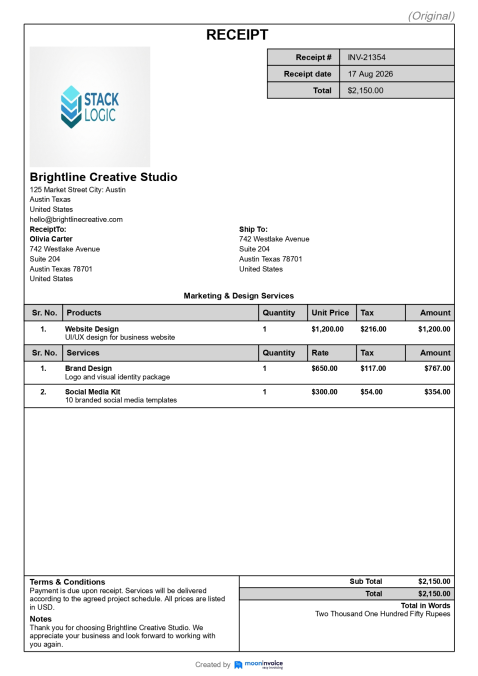
Generate professional receipts in seconds and share them with your
customers in the way that works best for you.





Pick the theme that fits your business to create a receipt that stands out.
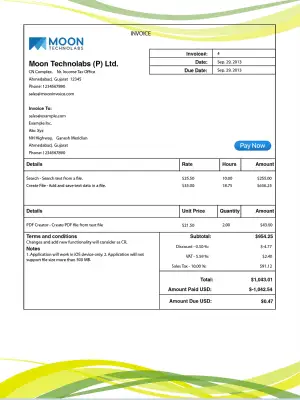
Abstract Wave
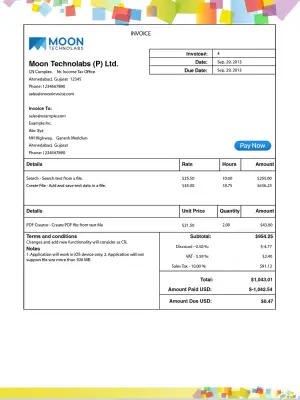
Pixel Mosaic
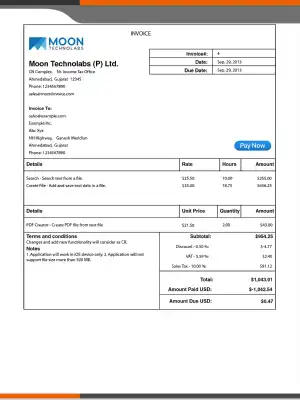
Corporate Slate
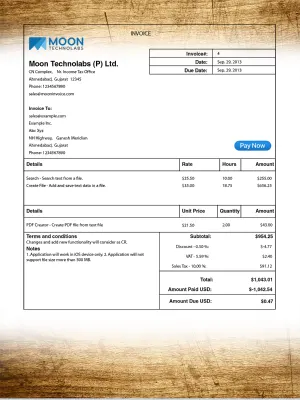
Rustic Wood
Creating customized receipts is simple and quick with our online receipt maker. It lets you create a professional and clean receipt with the following steps:
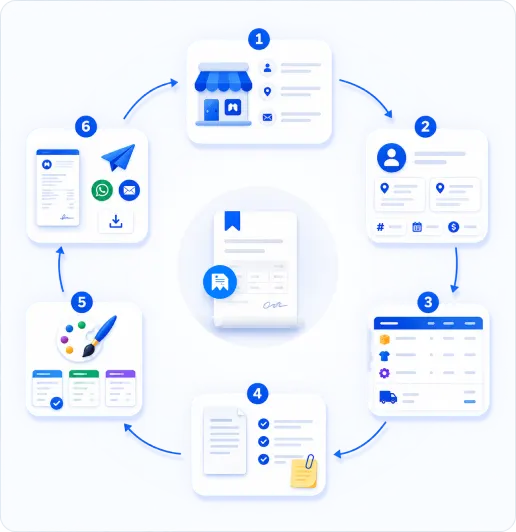
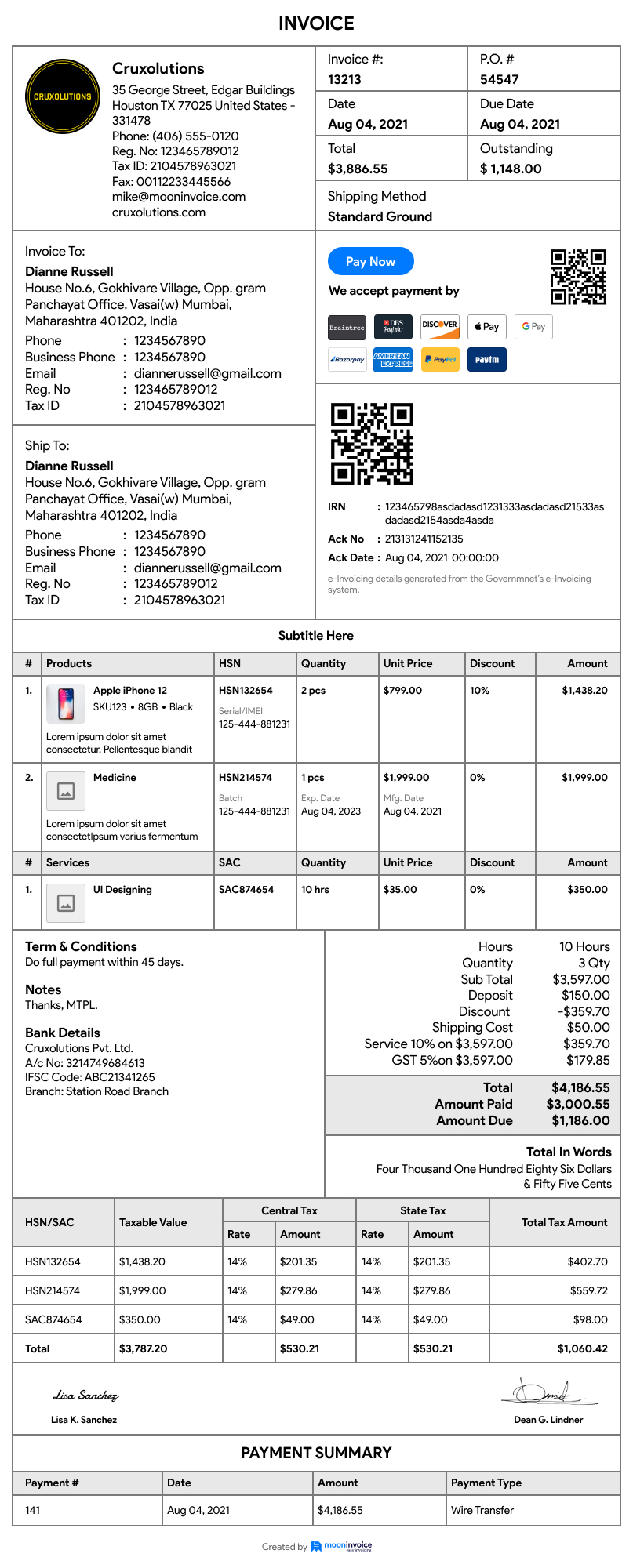
Include your business logo and name, along with the complete address, including city, state, ZIP code, and country. Also add your email address.
Include your customer name and fill out the complete billing and shipping addresses. Also, mention a unique receipt number, date, and currency.
Add a subtitle as needed. Mention a brief description of sold products or Constructions along with their quantity, rates, tax, and discount (if applicable). Include the shipping method and cost.
Add terms and conditions related to the transaction. You can also include additional notes if required.
Finally, choose a theme that meets your requirements. Ideally, select the theme that matches your business brand.
The live preview of the receipt will be visible on the right side. Select the template, review the details, click the Save button, or share it directly via WhatsApp or email. You can also set a recurring receipt if required.
A digital receipt contains essential information that provides customers with a clear record of purchase. Here are important elements to include when you write a receipt of payment:
It is essential to mention your business logo, name, and other details. Similarly, you must include your customer's name and the associated details for the person to whom you are issuing the receipt.
Every receipt you create should be distinguished from the others through a unique number. You can format this number in any way. The receipt number is useful in tracking the particular receipt.
You should include the receipt date, indicating when the receipt was issued. Similarly, mentioning the currency is important, especially in international transactions, to ensure transparency.
Including the details of sold products or Constructions, along with the rate and quantity, gives a complete breakdown of the transaction. This helps customers to clearly see exactly what they paid for.
Clearly mention the total amount the customer paid you. This includes the total calculation of individual rates, including applicable taxes and discounts. It gives the customer a clear summary.
Including terms and conditions helps to establish clear communication between the business and the client. This ensures that customers understand the policies and reduces misunderstandings or disputes.
The receipt maker helps business professionals to level up their receipt-making process. It offers the following benefits:

Our receipt generator enables you to create e-receipts in less time. By just filling in the correct details, you can create a receipt.

It's easy to choose themes or templates. You can easily add a business logo, name, customer information, and other details as needed.

Our free online receipt generator helps you to generate receipts at no cost. You can create professional receipts from anywhere at any time.

Once you have written a receipt, you can easily share it with your customer via WhatsApp or email. Additionally, you can save it or print it.

Our online receipt maker reduces human-related errors. It automatically calculates the total, including tax and discount, leaving no mistakes.

The receipt templates eliminate the need to create a receipt from scratch. This saves professionals time while reducing extra efforts.
Explore a wide range of our customizable templates made for your industry.
 Home Maintenance & Repair Services
05 Templates
From generating receipts to sharing them with the customer, manage everything from a single platform.

Cost-saving
Reduce errors
Easy sharing

No credit card required
Free 7-day trial
Cancel anytime
24/7 support
If you have any further questions, please don't hesitate to reach out to our customer support team for assistance.
A digital receipt is an electronic form of proof of purchase and transactions. It means it is a receipt generated by a receipt maker that includes various details related to the business, customer, purchase, and payment terms. Unlike a traditional paper receipt, it is easy to download, save, and share with clients.
You can easily make a digital receipt using a reliable online receipt generator from Moon Invoice. The platform provides various themes along with ready-to-use fields. Here are the steps you can follow:
Yes, a digital receipt can be legally valid if it complies with the applicable tax and recordkeeping regulations. It acts as strong proof of purchase and transactions and includes clear details. However, specific requirements for digital receipts may vary by country, jurisdiction, and type of transaction.
Choosing the best free receipt generator depends on business requirements. However, you can use Moon Invoice, an easy-to-use online receipt-making tool. The ready-to-use templates let you add the details and create a receipt in a minute, without a watermark. Additionally, its automatic calculation reduces the chances of errors. You can easily send the receipt via email or WhatsApp.
Yes, the online receipt maker of Moon Invoice allows you to edit a receipt online for free. You can easily choose a theme, add your business branding, and other details to generate a professional receipt.
Select Template
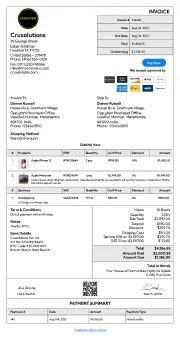
Standard
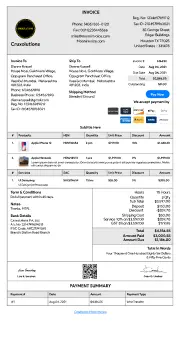
Letter Head
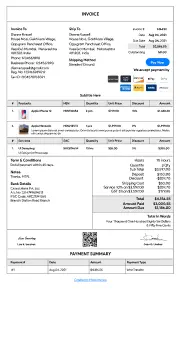
Without Head

Unlock with
7-day free trial
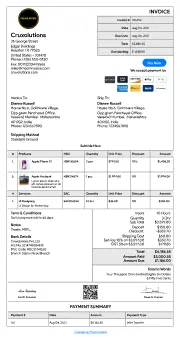
Spread Sheet
Unlock with
7-day free trial
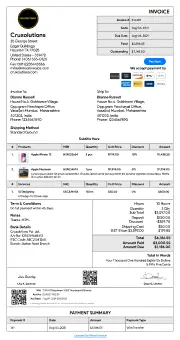
GST
Unlock with
7-day free trial
Standard Business
Download receipt-maker
Please provide your information to download the receipt-maker

For my business, one of the headaches was managing both stocks and expenses. Luckily, I switched to Moon Invoice and found the hassles of stock and expense management getting faded. Thanks to this amazing invoicing app.


Try Moon Invoice Today!
For my business, one of the headaches was managing both stocks and expenses. Luckily, I switched to Moon Invoice and found the hassles of stock and expense management getting faded. Thanks to this amazing invoicing app.
Try Moon Invoice Today!
For my business, one of the headaches was managing both stocks and expenses. Luckily, I switched to Moon Invoice and found the hassles of stock and expense management getting faded. Thanks to this amazing invoicing app.
We will send you an email with instructions to reset it.
For my business, one of the headaches was managing both stocks and expenses. Luckily, I switched to Moon Invoice and found the hassles of stock and expense management getting faded. Thanks to this amazing invoicing app.
Enter Password to link your account with Gmail
For my business, one of the headaches was managing both stocks and expenses. Luckily, I switched to Moon Invoice and found the hassles of stock and expense management getting faded. Thanks to this amazing invoicing app.
Try Moon Invoice Today!