
Select Template
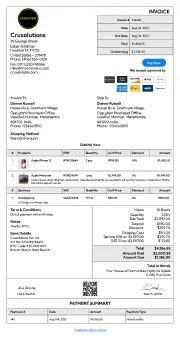
Standard
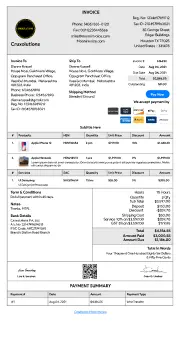
Letter Head
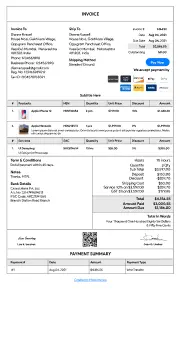
Without Head

Unlock with
7-day free trial
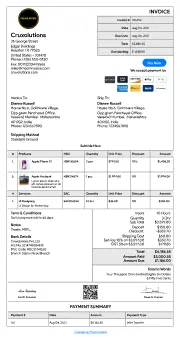
Spread Sheet
Unlock with
7-day free trial
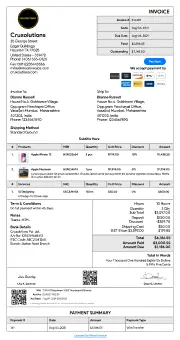
GST
Unlock with
7-day free trial
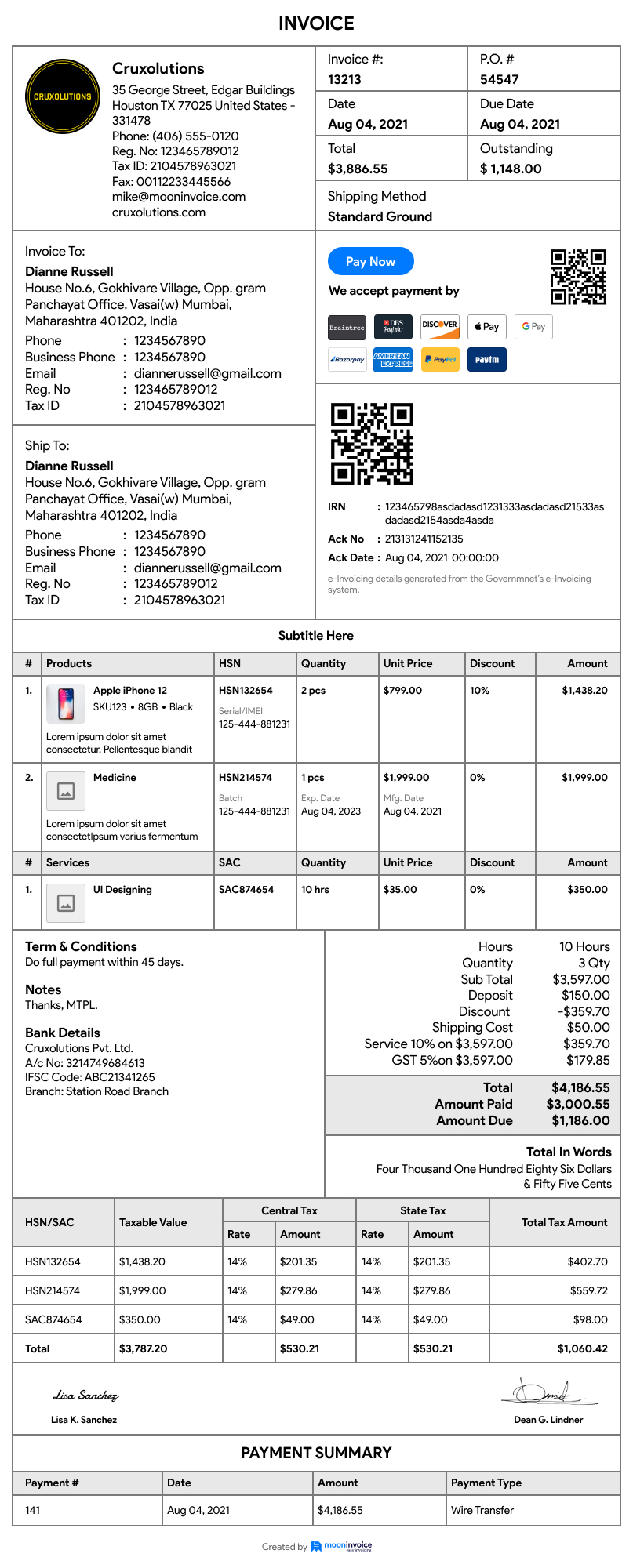
Standard Business
Download Purchase Order
Please provide your information to download the purchase order





Moon Invoice helps small businesses to switch their manual paper entries with our free purchase order builder.
Try Now!Purchase order generator is an online tool or software that offers ready-made purchase order samples or templates. Users can use these templates to create a purchase order without downloading software. Along with generating PO rapidly, the free purchase order generator helps with branding, customization, and automatic calculations. Thus enhancing the PO-generating process and overall business operations.
Purchase Order generator is fruitful for small businesses and entrepreneurs. They can straightforwardly implement a purchase order accurately. Meanwhile, it also simplifies record keeping for any company. It's a doorway to the right approach to error-free purchase order making with no perplexing concept. Choose the desired purchase order invoice template to satisfy your needs.
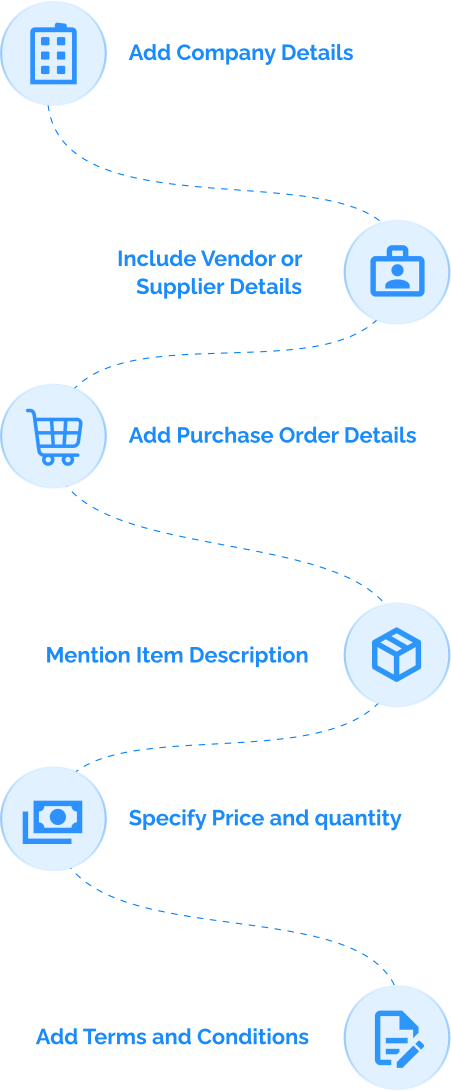
Using our purchase order builder, your business can avoid the hassles of recording, editing, and sending timely purchase orders. Professionals can create a purchase order online without a hitch just by following these tips.
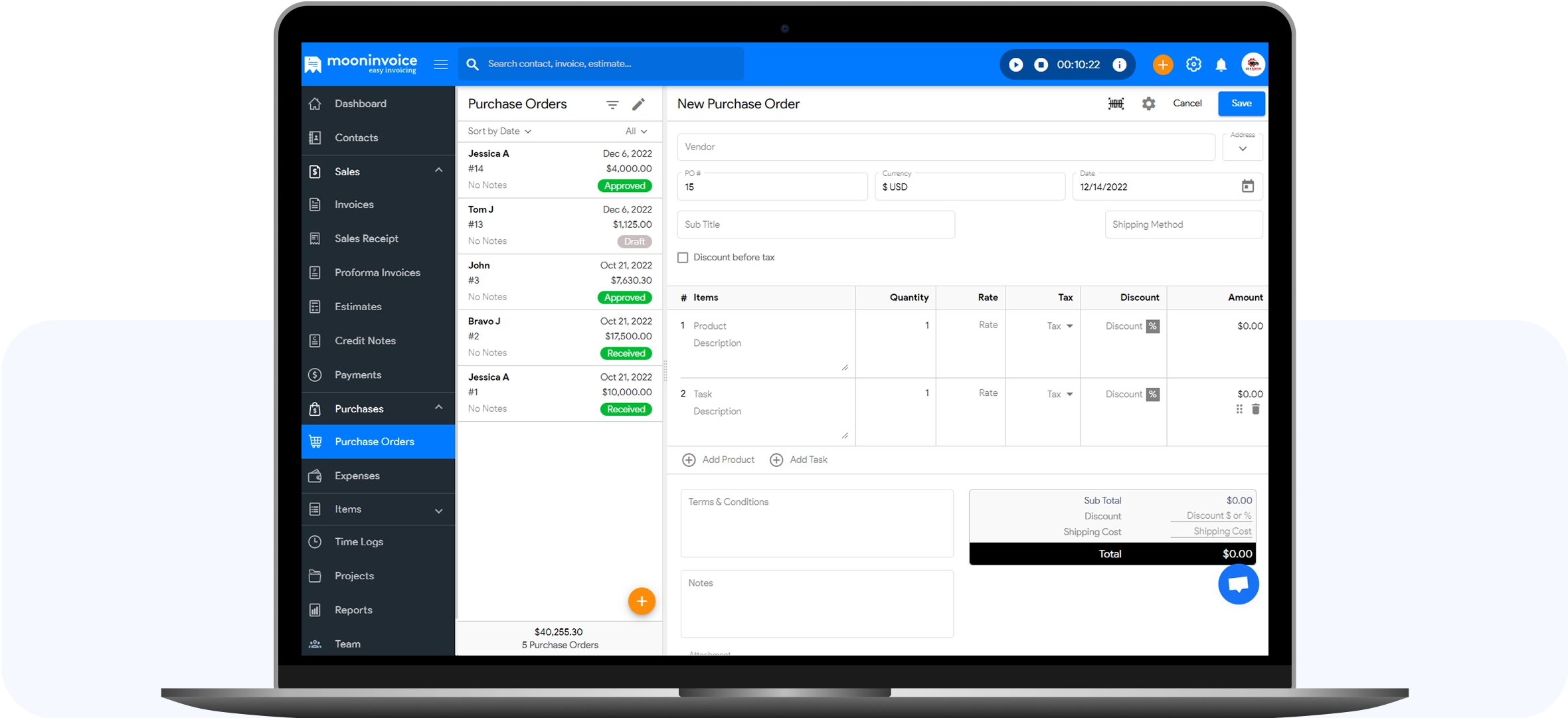
Add Company Details
Add company details in the blank fields, including the company logo, name, billing address and contact details. This will enhance your business' identification, professionalism, and branding.
Include Vendor or Supplier Details
Add the vendor's name and company details. Also, add the vendor's phone number, email ID, and other contact details if required while filling out the purchase order form. Afterwards, users can edit the info using our unlimited edit feature.
Add Purchase Order Details
The online purchase order details include the purchase order date, purchase order number, currency, and language. PO number generator helps in giving unique identification to the purchase order you are generating for your business.
Mention Item Description
Description section in PO is a field to include product or item details including quantity and task which is done. The detailed description is very useful for vendors and suppliers to understand things clearly and avoid confusion. Professional purchase orders always offer good space to describe the description systematically.
Specify Price and quantity
While you create a Purchase Order, it is important to mention the correct price, quantity, tax, and discount details. Once you add the details, our tool automatically calculates the total amount. After entering all the price and quantity details, you can tally the automatically calculated amount.
Add Terms and Conditions
As a company or business owner, you must have some terms and conditions mentioned at the end of the purchase order. This helps another party to understand the terms clearly. It may include payment terms, billing terms, or other detailed information about your company.
The below mentioned elements are the most important fields of a professional purchase order online. If you write these details correctly, you can expect easy clearance and execution from the supplier.

The purchase order date is the date on which the purchase order was created. These kinds of dates on any business or commercial document help with easy sorting, especially while filing taxes. Hence, it is crucial to mention the purchase order date whenever POs are generated.

A purchase order number is a unique number entitled to a specific purchase order. It helps you refer to the purchase order during any commercial requirement or for taxation purposes by simply searching for the number. Use a PO number generator for proper numbering.

A company logo is important to draw attention to your identity. While the supplier or vendor views the purchase order, focusing on your company logo can help with positive branding. Our purchase order generator app offers an easy approach to attaching your logo.

The billing information includes the details of both the sender and receiver. It includes the company's name, address, and other company details. Hence, there should be no room for error here!

Items here refer to the products and the tasks or services for which the purchase order has been generated. It includes detailed information about the product or service type, its attributes, etc.

Price breakdown refers to the bifurcation of the amount by separately mentioning taxes, discounts, and price per quantity or item. It helps you to get the perfect net amount after add-ons.

The total amount is the net amount figured out after adding taxes and subtracting discounts or advances. The purchase order total figure is quite an important element of the PO form.

The company terms refer to billing, payment, and shipping terms that are important to mention or inform for ease of operations. These terms are generally added at the bottom of the online PO.

An attachment helps you refer to the details mentioned in the purchase order form. It might be a legally binding contract or anything that needs to be attached to the purchase order template.
Purchase orders hold great value in trading, usually in the case of manufacturing and construction companies. POs play a vital role in budget planning. With a purchase order, the vendor gets a crystal clear idea of the item's quantity and price. A company can acquire a plan on how much sales can be done to make a profit.
Purchase Order is a legal document because it is a written document with an item and price description that both parties agree to. POs simplify the tracking of all purchases.
Purchase orders always help refine inventory management. It is easy to match the products coming into the company and align them with purchase orders. POs are always applicable to refine inventory management.
Our free purchase order generator helps to issue different types of purchase orders instantly to your vendors or suppliers.
1. Standard Purchase Order
Standard purchase orders refer to sending an online PO for one-time deals
or
to new clients. These kinds of purchase orders need specific information
about the purchase offer. These types of POs are detailed purchase
orders.
It includes complete information about price and quantity along with
payment
timelines and locations.
Use: A standard purchase order is useful when
details
of required items and services are well known.
2. Planned Purchase Order
PPOs contain the same information as that of standard purchase orders,
but
it does not include delivery information. Planned purchase orders (PPOs)
are
designed in advance for making emergency purchases. Hence, the location
or
delivery timings are updated at the time of issuing them.
Use: When a long-term agreement for buying an
item or
service from a single supplier.
3. Blanket Purchase Order
The other name for blanket purchase orders is standing orders. When the
vendor and the business owner agree on a specific future purchasing deal
having little confirmation about the product quantity, they design to
advance the blanket POs. These product orders do not contain product
quantities and prices.
Use: A blanket purchase order is useful when the
need
for an item or service remains constant.
4. Contract Purchase Order
CPOs do not have detailed information about products or services. It has
a
binding contract agreed upon and frames future purchases between the two
parties. The major function of a CPO is to serve as a set of legally
binding
reference terms. It facilitates ongoing trade between buyers and sellers
while establishing a long-term purchasing agreement.
Use: Generate agreements and supply terms between
vendor and purchaser.

Businesses can save time designing an accurate free PO by switching to our ready-made PO multiple templates. Choose the right template, fill in the details, and save. Now, there is no need to follow a manual approach to creating a purchase order. Save your time and invest them in your other crucial tasks to promote your business to the next level.

No more resources or efforts are required to draft a perfect PO, as our purchase order creator does that on your behalf. It cuts down the efforts that you put into creating your POs. Save your extra efforts that could fuel your business success. Avail the effortless approach of creating PO in a few minutes.

PO generators ensure that correct calculations are a part of every purchase order. Get everything right, from perfect calculations to essential PO fields and company details, using our free PO generator. Incorporate accuracy and avoid future disputes to run the business smoothly.
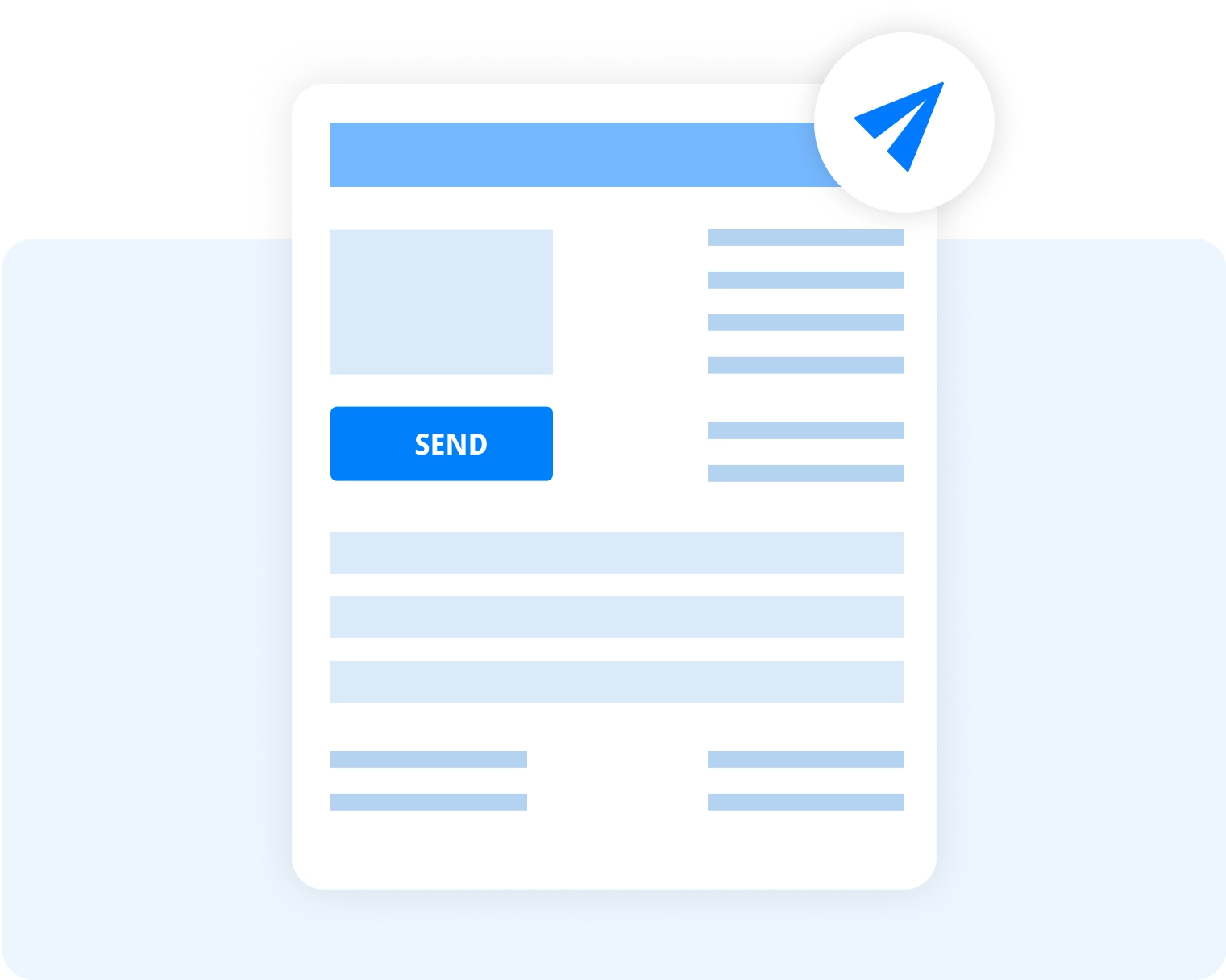
Send unlimited POs to your vendors or suppliers via email using our free PO generator tool. You can send POs at any time or from anywhere. Just one click and it's done. It also speeds up your purchase order sharing.
Either download the POs offline on your desktop or save them for sending via other online channels using our tool. If you wish, you can send a hard copy of your purchase order to the vendor's address.
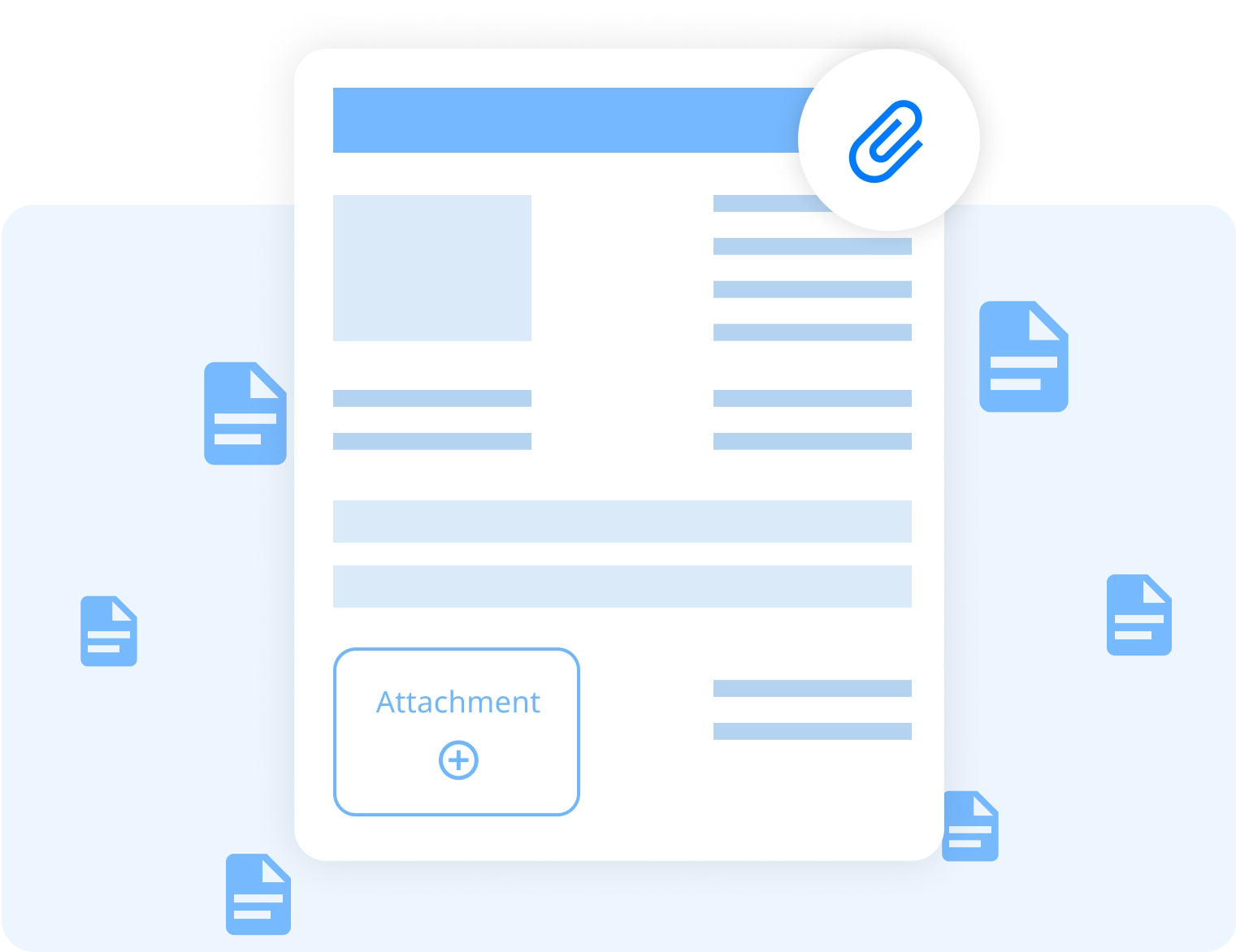
Get the exclusive option of adding attachments to POs for sending binding agreements or contracts along with purchase orders. Attach your supporting documents to make your work perfect and efficient. Add extra-legal and official documents to make your PO process better.
Business owners of construction, or manufacturing companies often need to generate a purchase order. For the following needs, the business owner or contractor must rely on using an online purchase order generator.
We provide various free billing tools to make your billing process superfast. Enhance your productivity while cutting down on your extra efforts without losing a penny.
If you have any further questions, please don't hesitate to reach out to our customer support team for assistance.
To generate a purchase order for single or multiple projects, the business owner needs to take the help of an online free PO tool or purchase order software like Moon Invoice. It supports ready-made templates for automatic calculations. Moreover, its PO number generator helps to assign a unique number to each PO.
Steps to create a new purchase order
Online purchase orders without downloading software can be easily created using our Webapp version or online free PO generator. Simply, fill in the purchase order details in the ready-made template and send it to your vendor or supplier online.
The most important type of PO is a standard purchase order. Standard purchase orders define all the details of the order generation, right from company information to item descriptions with payment terms. Moon Invoice’s standard purchase order template helps automatically calculate the costs leaving no room for error..
Moon Invoice, online invoicing software, allows you to convert purchase orders online into estimates or invoices using a single click. So, no more wasting time and effort converting the PO to other commercial documents. Just a click and it is done!
In a PO form, the due date refers to the last date of the payment for the purchases made or accepted.:
No, the difference between purchase order and invoicing is about their purpose. Purchase orders are issued by the buyer and shared with the vendor. On the other hand, vendors issue invoices and share them with buyers to receive payment.
For my business, one of the headaches was managing both stocks and expenses. Luckily, I switched to Moon Invoice and found the hassles of stock and expense management getting faded. Thanks to this amazing invoicing app.


Try Moon Invoice Today!
For my business, one of the headaches was managing both stocks and expenses. Luckily, I switched to Moon Invoice and found the hassles of stock and expense management getting faded. Thanks to this amazing invoicing app.
Try Moon Invoice Today!
For my business, one of the headaches was managing both stocks and expenses. Luckily, I switched to Moon Invoice and found the hassles of stock and expense management getting faded. Thanks to this amazing invoicing app.
We will send you an email with instructions to reset it.
For my business, one of the headaches was managing both stocks and expenses. Luckily, I switched to Moon Invoice and found the hassles of stock and expense management getting faded. Thanks to this amazing invoicing app.
Enter Password to link your account with Gmail
For my business, one of the headaches was managing both stocks and expenses. Luckily, I switched to Moon Invoice and found the hassles of stock and expense management getting faded. Thanks to this amazing invoicing app.
Try Moon Invoice Today!