
Select Template
Standard
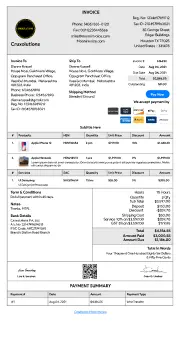
Letter Head
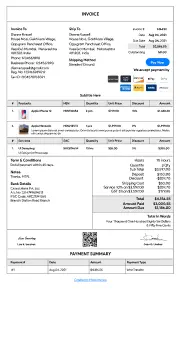
Without Head

Unlock with
7-day free trial
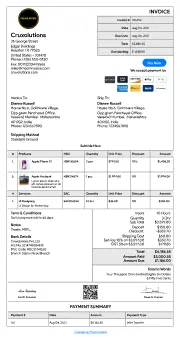
Spread Sheet
Unlock with
7-day free trial
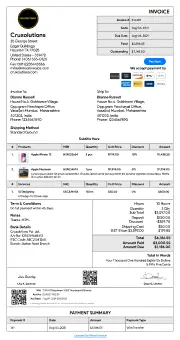
GST
Unlock with
7-day free trial
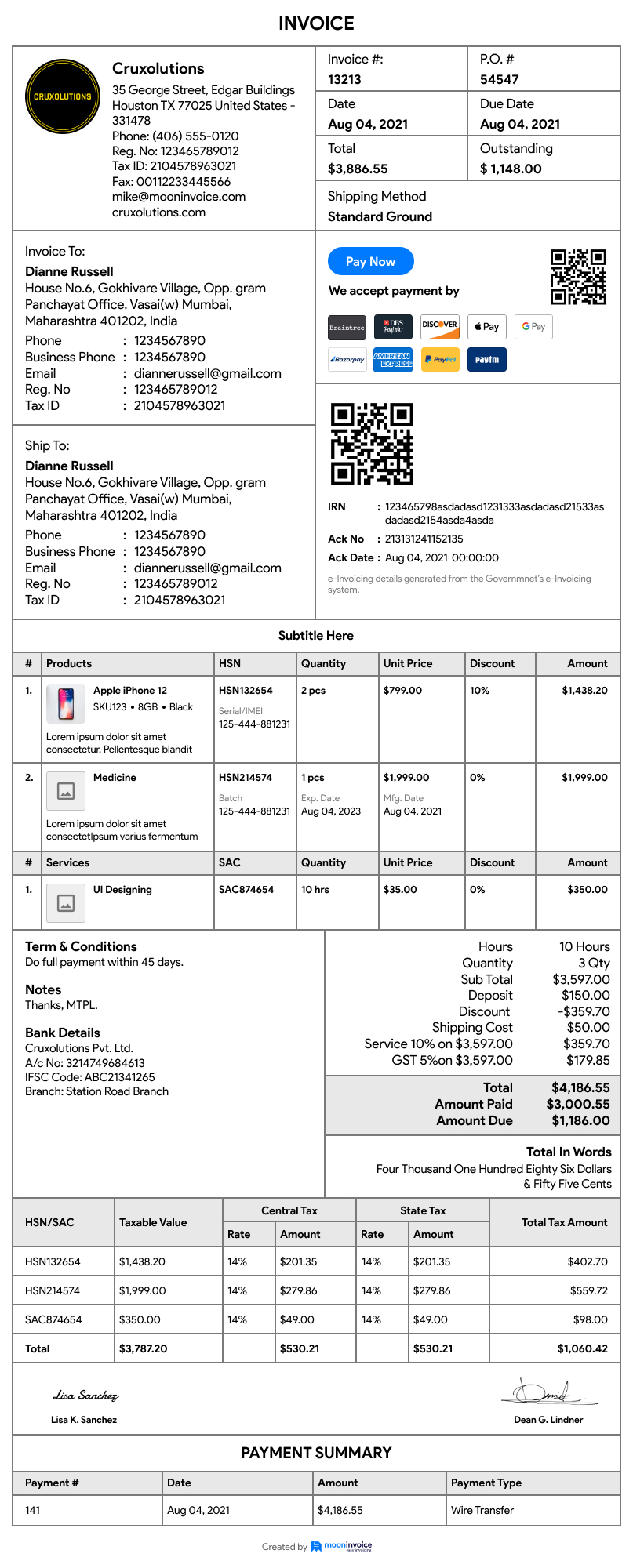
Standard Business
Download Estimate
Please provide your information to download the estimate





70% of business owners grab the final deal by sending timely and accurate estimates. Get a free estimate by clicking on the free estimate generator.
Moon Invoice is not just an ordinary estimate generator tool. Instead, it benefits businesses and professionals with ready-made estimate templates that make estimate generation a one-minute job! Also, it is a free estimate generator that helps generate estimates for free!
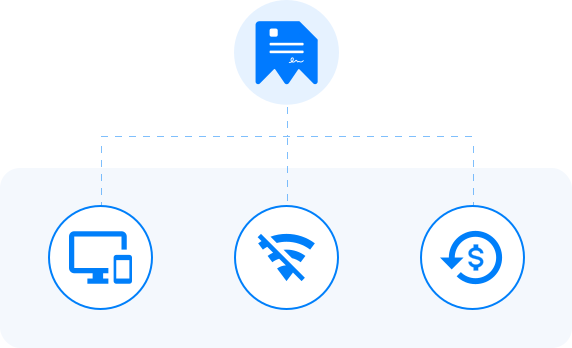
Why Should I Use Moon Invoice? What more do you expect from an estimate creator tool that has its omnipresence across all devices? Can't imagine more!
Progressive Web & Native App Solutions What more do you expect from an estimate generator online tool that has its omnipresence across all devices? Can't imagine more!
Privilege to Work Using Offline Mode An ultimate advantage of using our native apps is to get the privilege of working offline. Sync the data when in connection!
90-Days Money Back Guarantee An estimate generator software that offers a 90-day money-back guarantee after the purchase. Hence, no worries!
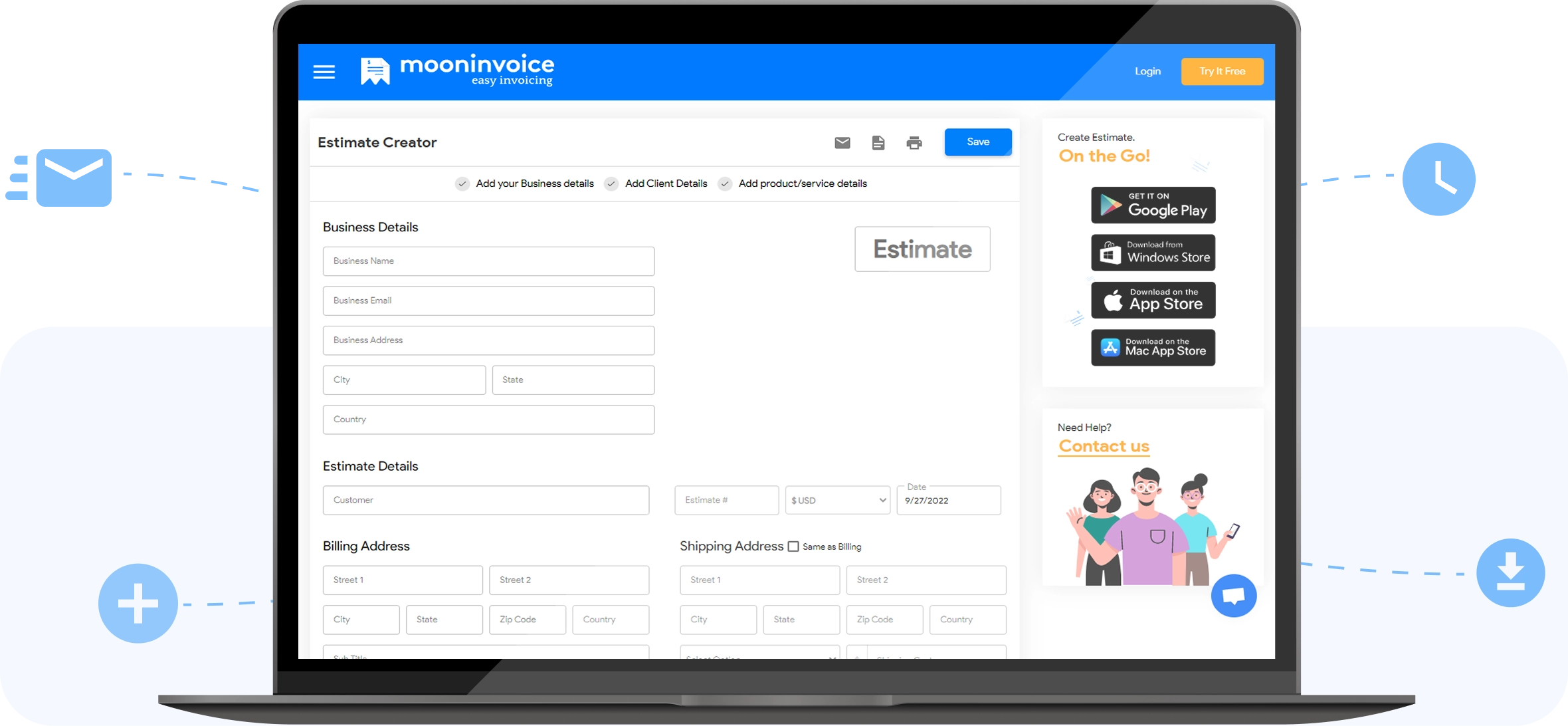
An online estimate generator is a web-based tool that helps professionals and businesses like you in creating free estimates online. A free online estimate maker is one of the most convenient ways to design and share estimates.
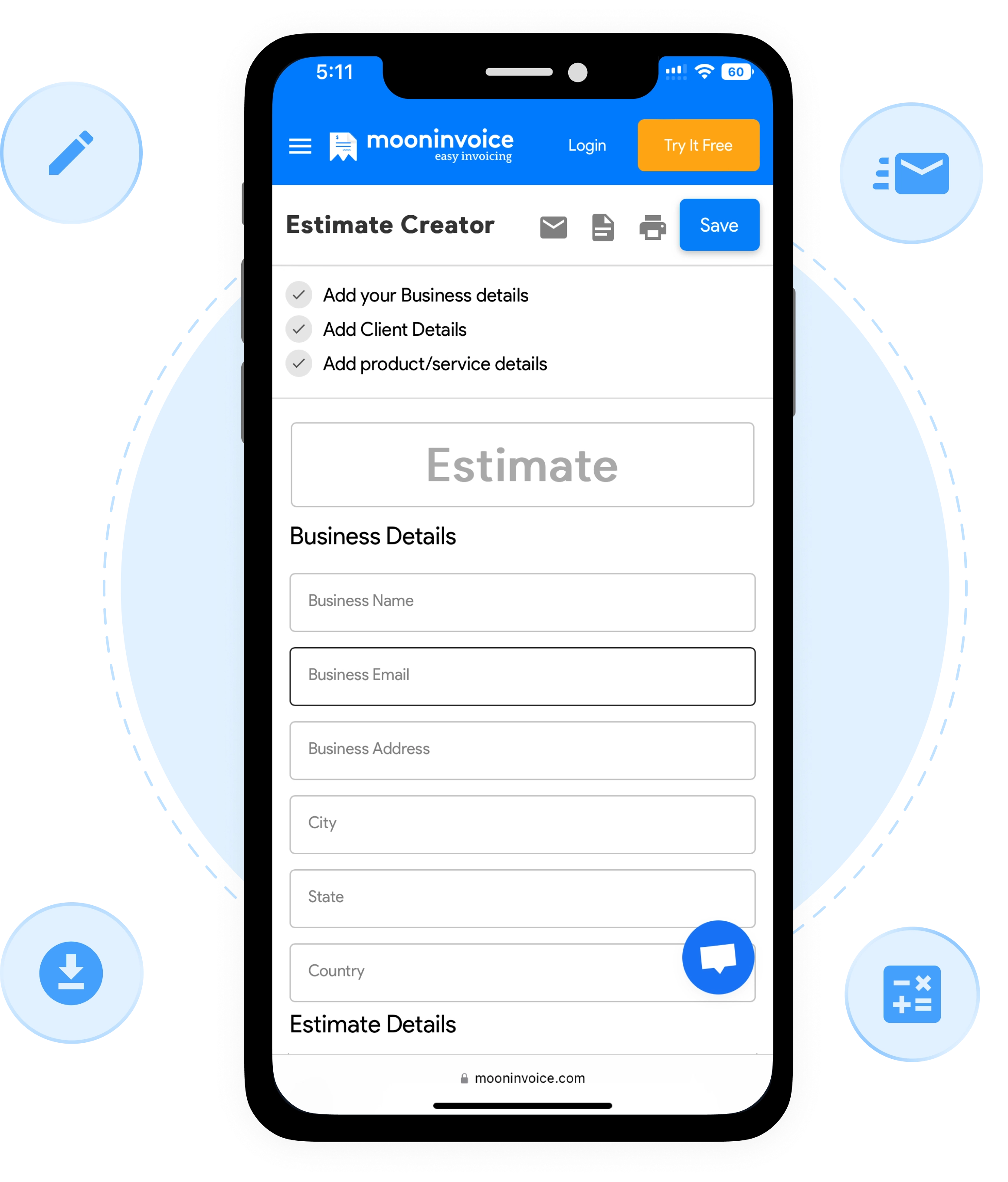
Let's look at some excellent features of our free estimate generator.
Estimates On-The-Go Create unlimited estimates directly using our tool on the go. Got a minute? It is precise enough to create an accurate business estimate.
Infinite Edits Our free online quote generator offers infinite edits to the user while generating an estimate. No limitations!
Instant Download Once you have saved the estimate using our online estimate software, you can get an option to download it as a PDF.
Instant Share Make an estimate, later download it or share it instantly via email using our free online estimate maker tool.
Accurate Calculation We help generate professional estimates with correct calculations, such as a discount, tax, and total amount.
Professional Estimate Templates An ultimate feature of making estimates using our estimate generator is to get free readymade estimate templates to edit.
Convert to Final Invoice Why generate an invoice from scratch when you can convert winning estimates to invoices with a single click?
Customization Our free online estimate maker app allows users to personalize the estimate with background, text, titles, theme, & more.
Well, before you make an estimate, it is essential to take care of the following elements. If these elements are mentioned correctly, and in the right place, it helps make a winning quote.
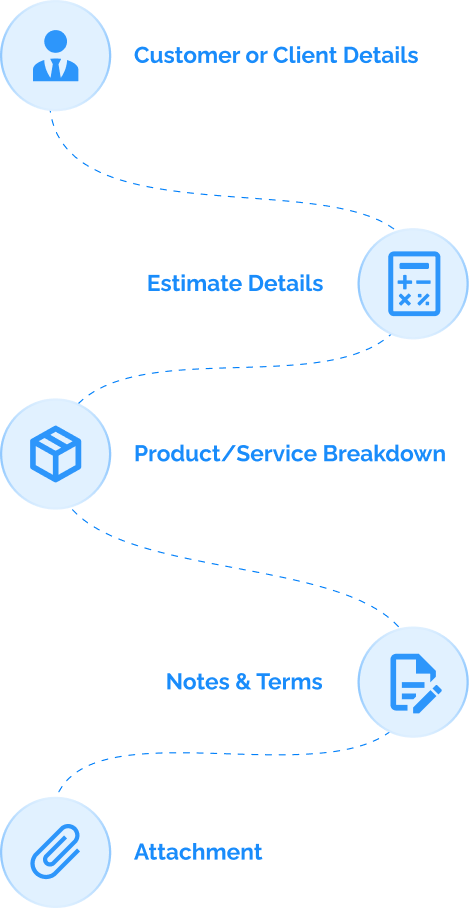
Customer or Client Details
1. Customer Name: Add customer or client names to title the estimate on the contact.
2. Customer Address: Adding customer address details is essential. You can add both the billing as well as shipping details.
3. Customer Contact Details: Add customer or client phone number and email address.
Estimate Details
4. Estimate Number: The estimated number is an essential factor for saving estimates. It helps you find estimates easily while on a particular estimate hunt.
Moon Invoice allows users to create their own customized estimate number series.
5. Estimate Date: Date serves as a crucial factor in labeling an estimate. It helps to know when the estimate was sent for approval.
6. Estimate Currency: Choosing the currency in which the estimate is issued is highly significant. Get 100+ currency options with our free estimate generator.
Product/Service Breakdown
7. Item Details: The item details include the product or service description and their specification.
8. Product/Service Quantity: Mentioning the number of products or services helps calculate the right amount of tax, discount, and total.
9. Rate: Accurate product or service rate is essential to calculate the total amount.
10. Discount and Taxes: Mentioning the discount and taxes is crucial when you are into a business that has to levy taxes and discounts.
11. Total Amount: Our free online estimate maker auto-calculates the estimate's total amount after the above fields are successfully filled.
Notes & Terms
12. Business Notes or Terms: Mention the business terms, payment terms, and any other conditions that are a must for acknowledgment by your clients or customers.
Attachment
13. Adding Doc or Images: Add PDF documents or image files with the estimate to make your estimates more clarifying and winning.
Do you know the first business document you share with your client or vendor? It is an estimate. Hence, estimates need to be designed perfectly. It should be crafted precisely without making errors because most people believe in the first impression!
Business estimates must look legit as they are essential to your business communication. Also, don't make it confusing with too much information.
One of the important tips for getting your estimates accepted is making them more accurate. Hence, always proofread before sending it across to your client or vendor.
Every business has got some terms to mention or share. Hence, make your business and payment terms more transparent from the beginning by mentioning them in brief.
Requesting a signature from your client or vendor on accepting your business or project estimate is the best way to go ahead with the deal. In addition, it helps build trust & confidence.
Creating business or project estimates and quotes is easy and simple using our free online quote generator. While using our online estimate generator tool, follow these steps to create a winning business quote.
Step 1: Add Business Details
The first step in making an estimate using our online estimate software is to add the correct business details. Add business information such as business name, email address, contact details, and billing address. All the estimate fields are duly created; only add details as asked by the automatic free estimate generator.
Step 2: Add Estimate Details
An important step while creating an estimate is to mention all the estimate fields correctly. It includes everything from mentioning an estimate's number, date, item fields, item description (quantity, price, etc.), and the total amount (reflected automatically by the free estimate generator tool).
Step 3: Mention Terms
Payment and business terms are essential to make your estimate look professional and winning. In addition, it adds clarity to your business estimate and helps the client or vendor accept the deal.
Important: Don't Forget to Hit the 'Save' Button
Lastly, hitting the save icon is essential to save the record successfully. Also, we help users to do infinite edits after saving the estimate or quote.
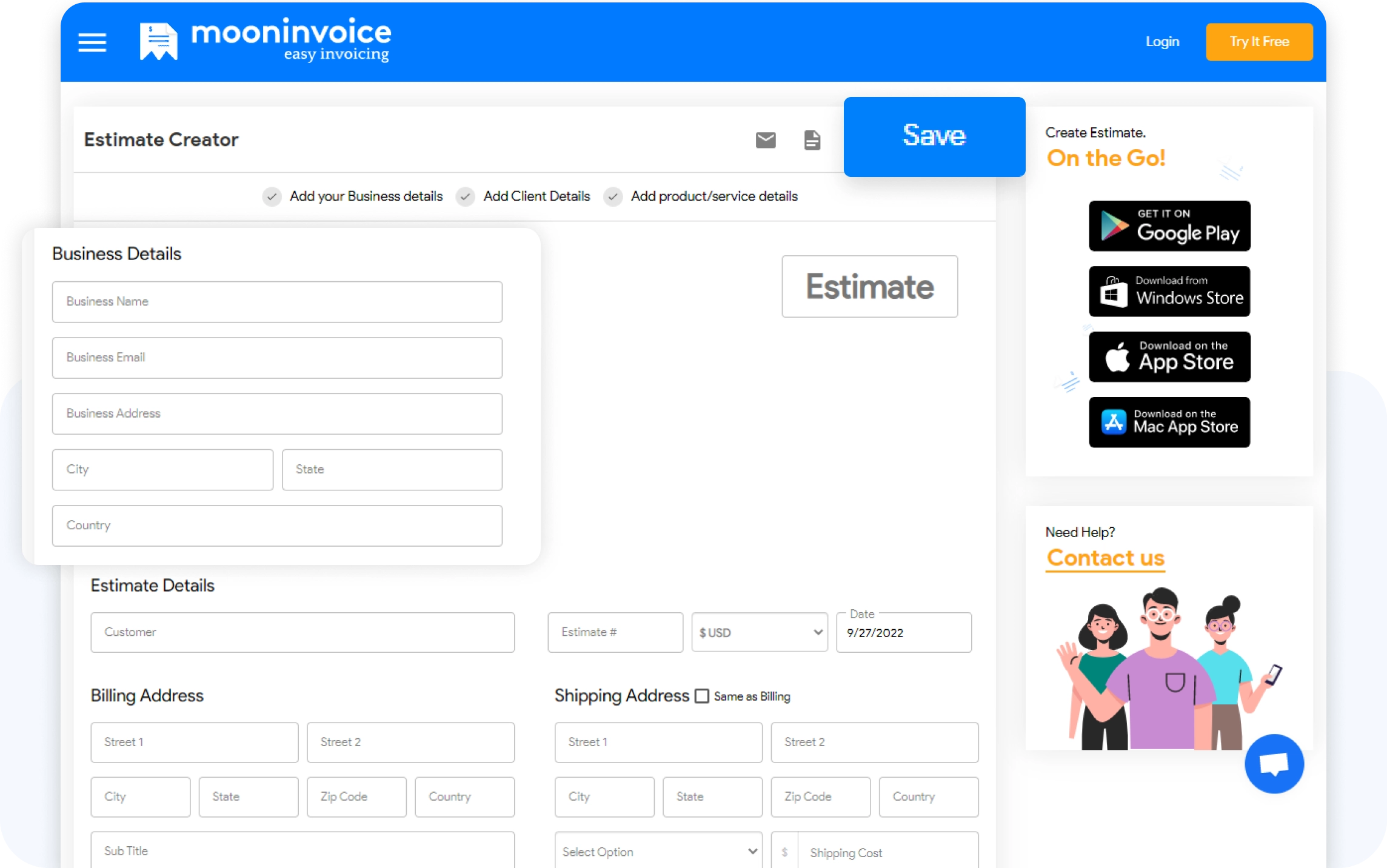
One of the earliest things business owners or professionals must learn is that estimates help record and track their way to maintaining healthy finances.

Once estimates are approved, they cannot be changed or edited. Hence, generating estimates or business quotes becomes vital for making it error-free. Our free estimate generator helps design error-free business and project estimates.

As estimates are important and the first business document between two parties, it is vital to have clarity. Our estimate creator tool helps design professional estimates that define clarity. Hence, it is easy for the client to accept the proposal at once.

Many accounting teams have to appoint different resources for creating and designing estimates. Businesses can use our free estimate maker to save time appointing these resources as everything is managed online using our readymade estimate templates.

Well, businesses and professionals need to send estimates to get them approved on time. For the same, our free estimate creator tool helps save PDF estimates and enables a direct email sharing option to mail estimates directly to the client.

Generating estimates is definitely not easy. It is a time-consuming job. But with the help of an online free estimate creator tool, the job or project estimates are generated within minutes. It not only saves time but effort too while creating proposals.

Estimates are not just created; they need to be tracked or recorded to help your business clarify at the time of payments, revise terms, and much more. Our job site estimate creator helps with quick tracking and recording of estimates.
No more guesswork! Make your estimation super efficient with our pre-built industry-specific estimates.
If you have any further questions, please don't hesitate to reach out to our customer support team for assistance.
Quotation and estimate are two different business documents used for different types of business and a unique purpose. A quotation is a fixed price cost shared by the seller or professional with the client or customer. While sending a quotation, the sender confirms each detail mentioned, including the price; hence, no further changes are accepted or allowed. On the other hand, an estimate is an approximate value of the project or the deal. An estimate is modified later if required.
No, estimates are not generally legally binding.
Generally, the estimates are valid for 30 days from the quote date.
A contractor's estimate includes the following essentials:
There are a total of four types of estimation:
Yes, you can create free estimates using our free online quote generator.
To generate a PDF estimate, it is mandatory to save the estimate. After saving the estimate, download it as a PDF.
Initially, to create an estimate or job site quote, the online estimate creator is open and free to use. Later, for saving and sharing the estimate, it is required to register with our online estimation software.
Yes, our online estimate maker supports multiple languages and currencies.
For my business, one of the headaches was managing both stocks and expenses. Luckily, I switched to Moon Invoice and found the hassles of stock and expense management getting faded. Thanks to this amazing invoicing app.


Try Moon Invoice Today!
For my business, one of the headaches was managing both stocks and expenses. Luckily, I switched to Moon Invoice and found the hassles of stock and expense management getting faded. Thanks to this amazing invoicing app.
Try Moon Invoice Today!
For my business, one of the headaches was managing both stocks and expenses. Luckily, I switched to Moon Invoice and found the hassles of stock and expense management getting faded. Thanks to this amazing invoicing app.
We will send you an email with instructions to reset it.
For my business, one of the headaches was managing both stocks and expenses. Luckily, I switched to Moon Invoice and found the hassles of stock and expense management getting faded. Thanks to this amazing invoicing app.
Enter Password to link your account with Gmail
For my business, one of the headaches was managing both stocks and expenses. Luckily, I switched to Moon Invoice and found the hassles of stock and expense management getting faded. Thanks to this amazing invoicing app.
Try Moon Invoice Today!