

Create a professional, clean receipt in minutes using our sales receipt template from Moon Invoice. Designed specially to streamline your receipt process and enhance your billing for every sale. Get your digital receipt ready in Word, Excel, Google Docs, Google Sheets, and PDF format. Keep your transactions accurate and well-organized. No matter the size of your business, our templates are available for everyone.
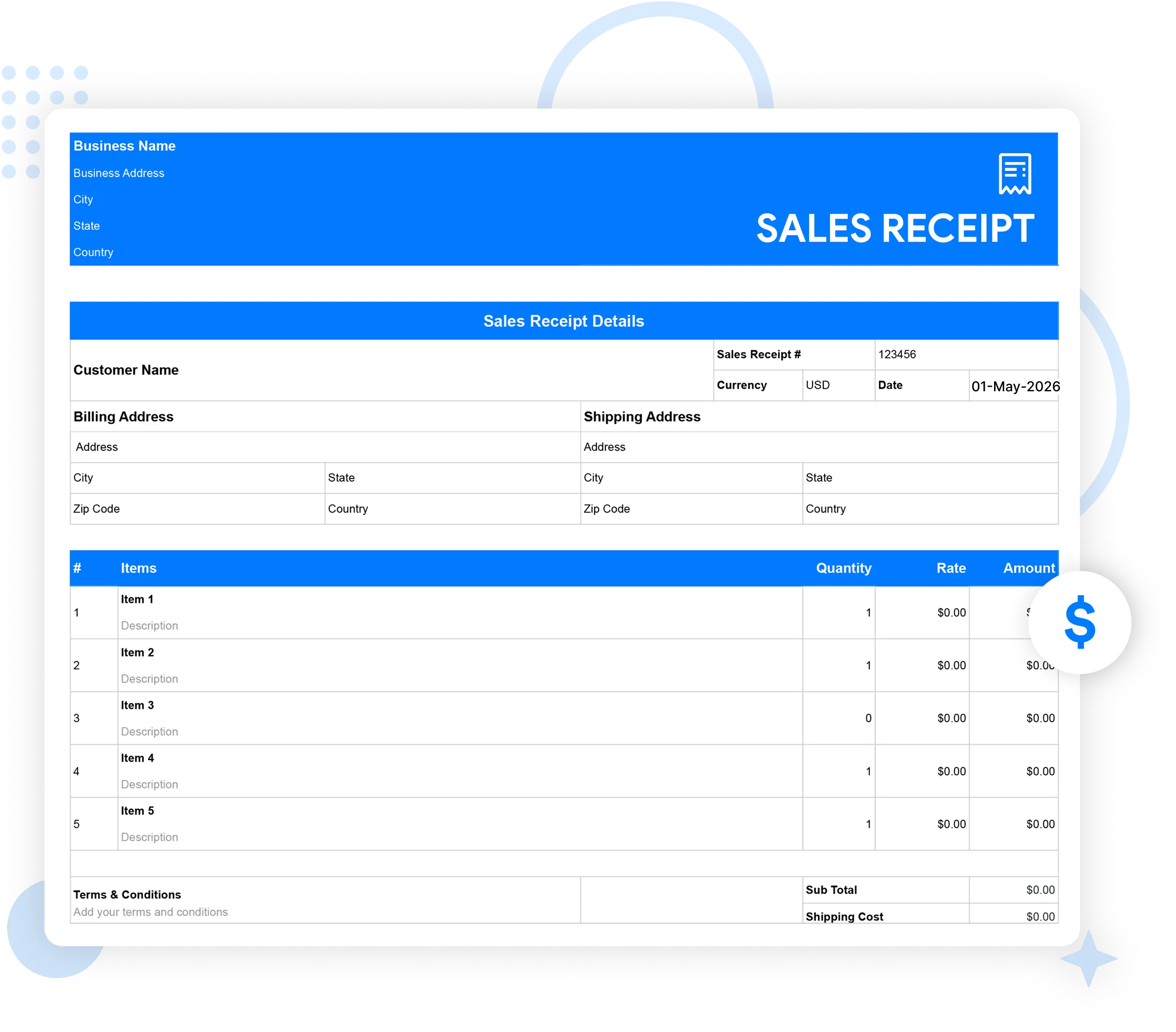
Tired of the time-consuming manual approach of creating and handling receipts? Try our free sales receipt template in PDF, Excel, Word, Sheets, or Docs to streamline the receipt process. Just choose, edit, and get your professional receipt easily. Save time, stay organized, and effortlessly issue a clean receipt for every sale.
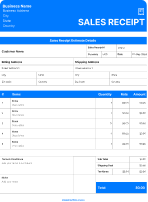
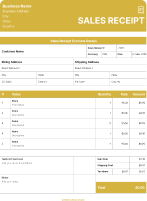
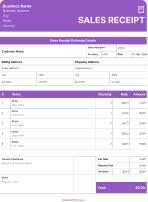
Download Template


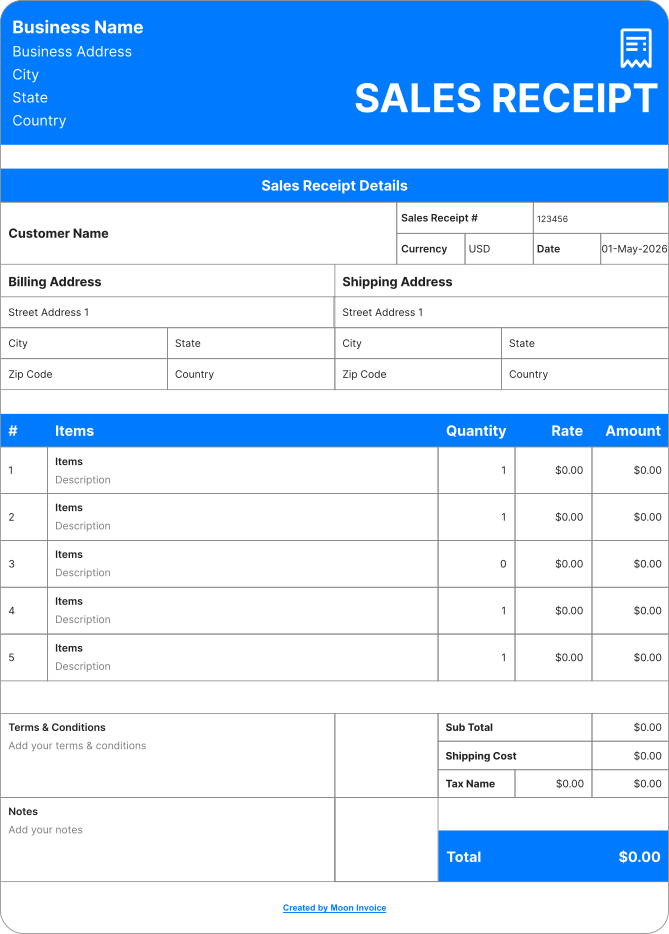
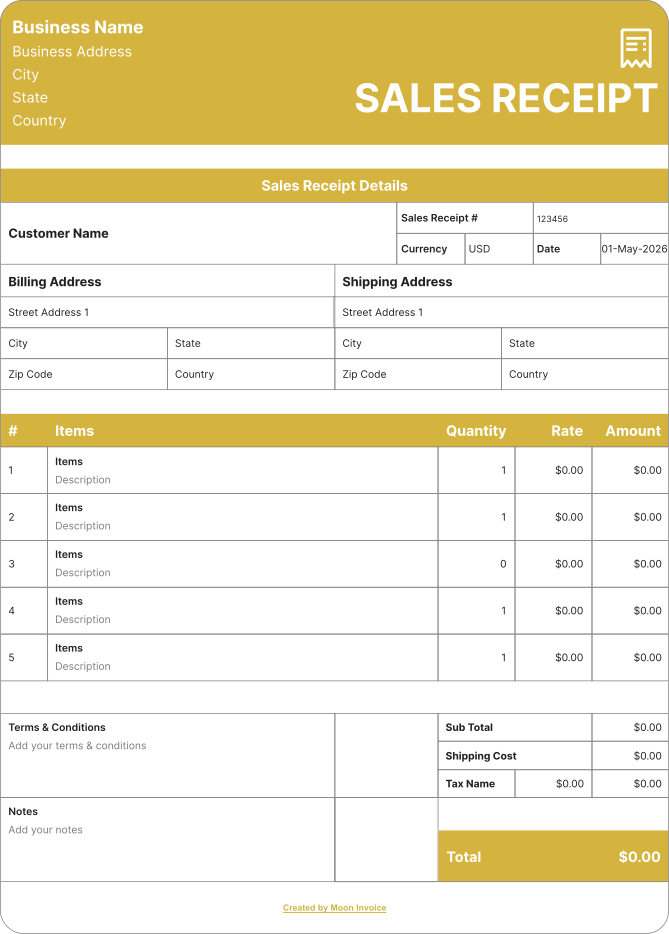
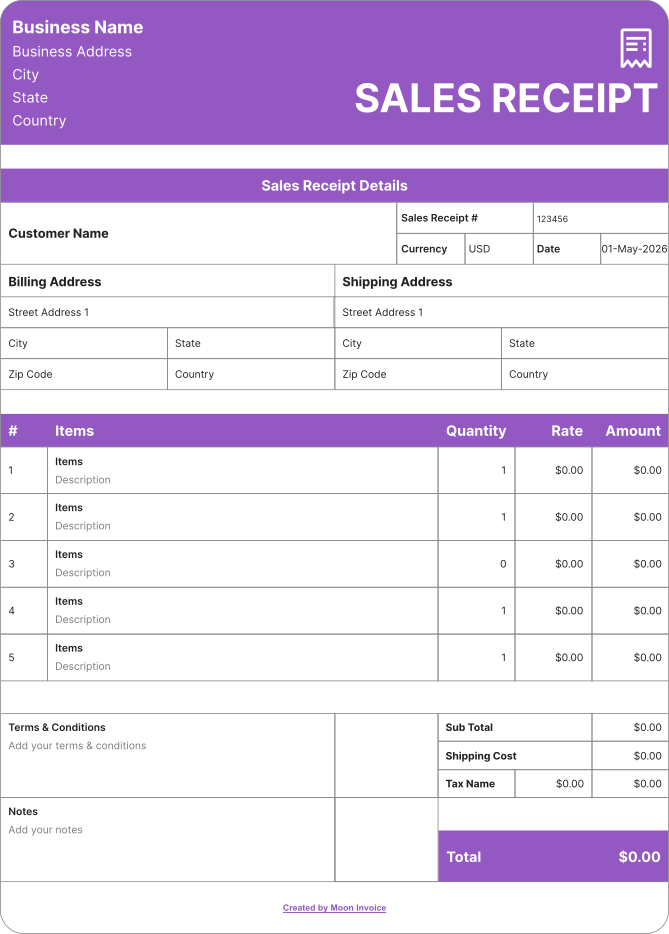
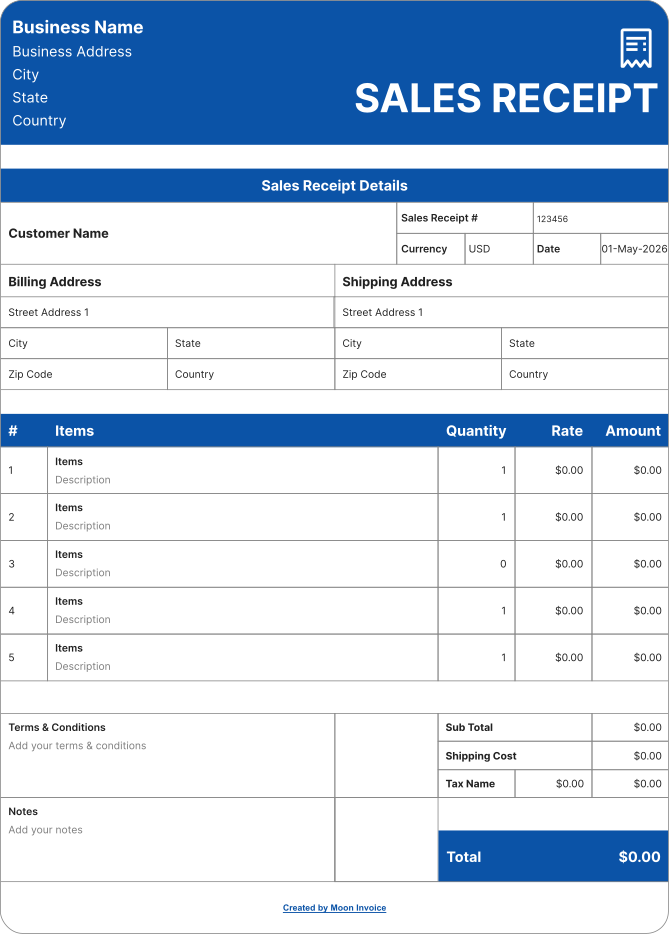
Creating the sales receipt is quite easy with Moon Invoice. The platform offers 66+ customized sales receipt templates, allowing you to create professional receipts more quickly. Follow these steps to generate your receipts online:
Share the digital receipt online via WhatsApp or email. Moreover, you can send the hard copy of the receipt after printing the document.
Sales receipt templates enhance the receipt creation by providing the following benefits:
The sales receipt template provides a professional layout for creating impressive receipts. Thus, businesses gain customers' trust through branded receipts.

Sales receipt templates are customizable, allowing users to create receipts according to their requirements. They can easily add a logo and other business details.

Using the templates, users can ensure high accuracy on every receipt. The auto-calculation feature automatically calculates the figure to give the correct value.

Receipt templates offer ready-to-use fields. This concept enables users to quickly create a receipt with minimal effort, ultimately saving time.

Using the templates, you can easily add all the required information and create a valid receipt. This enhances the proper documentation and tax filing.

Receipt templates provide a standard format with a clean layout. Thus, you can maintain uniformity regardless of how many receipts you generate.
There are many reasons to send a professional-looking sales receipt:
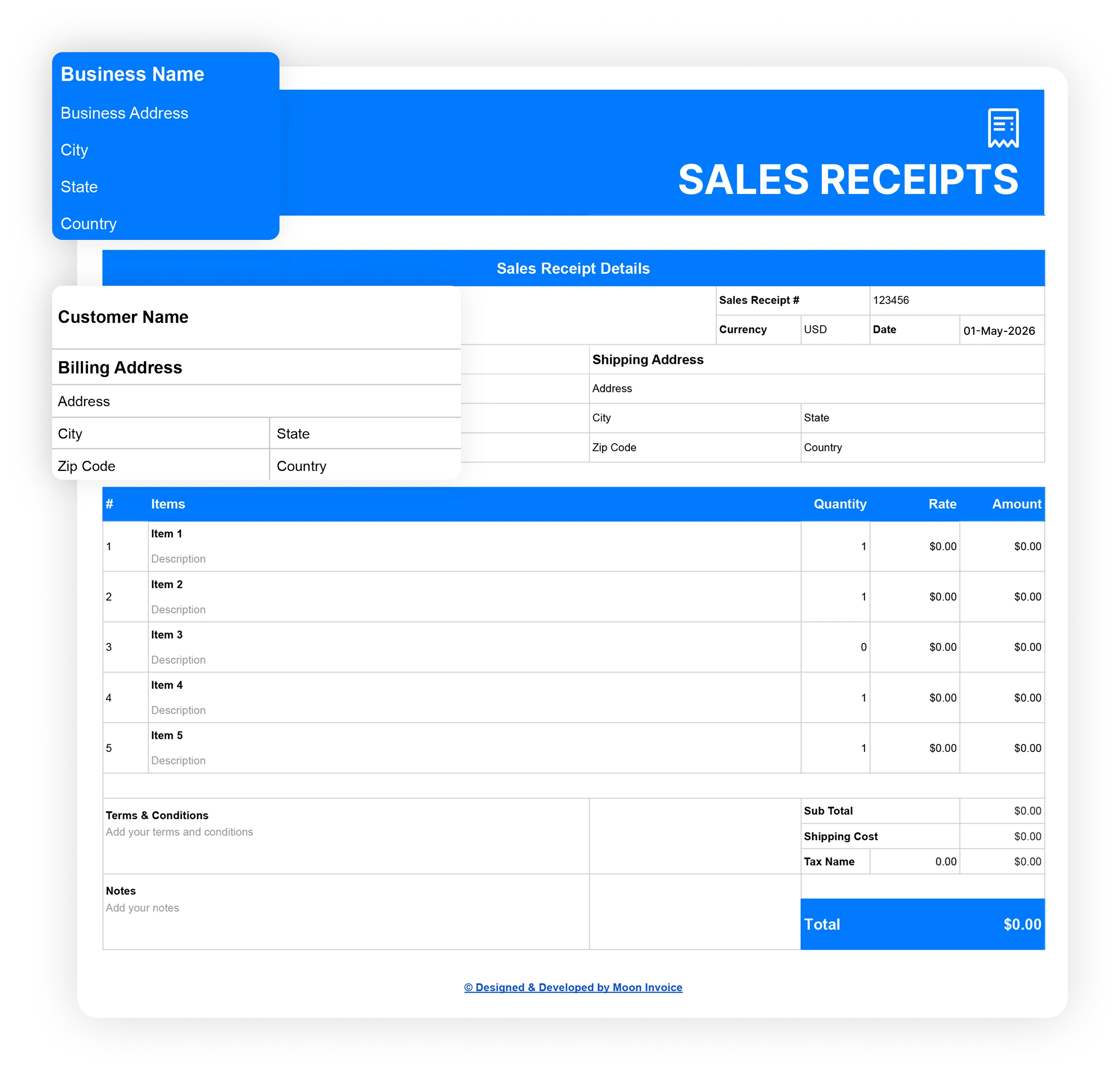
Clear & polished receipts with no cost. Speed up your receipt process by selecting the right receipt template, available for free and tailored to your industry.
Many professionals prefer free sales receipt templates because they are cost-effective. However, these templates lack advanced features. At this point, Moon Invoice is the best choice because it offers the following advanced functionality:
| Set of functions | Free sales receipt templates |

|
|---|---|---|
| Free sales receipt templates |

|
|
| Unlimited receipts |

|
|
| Sharing receipt via whatsApp |
|
|
| Duplicating as sales receipt |
|
|
| Activity log |
|
|
| Customized format |
|
|
| Email receipt easily |
|
|
| Auto payment alerts |
|
|
| Adding discount and tax |
|
|
| Download Now | Sign Up |
If you have any further questions, please don't hesitate to reach out to our customer support team for assistance.
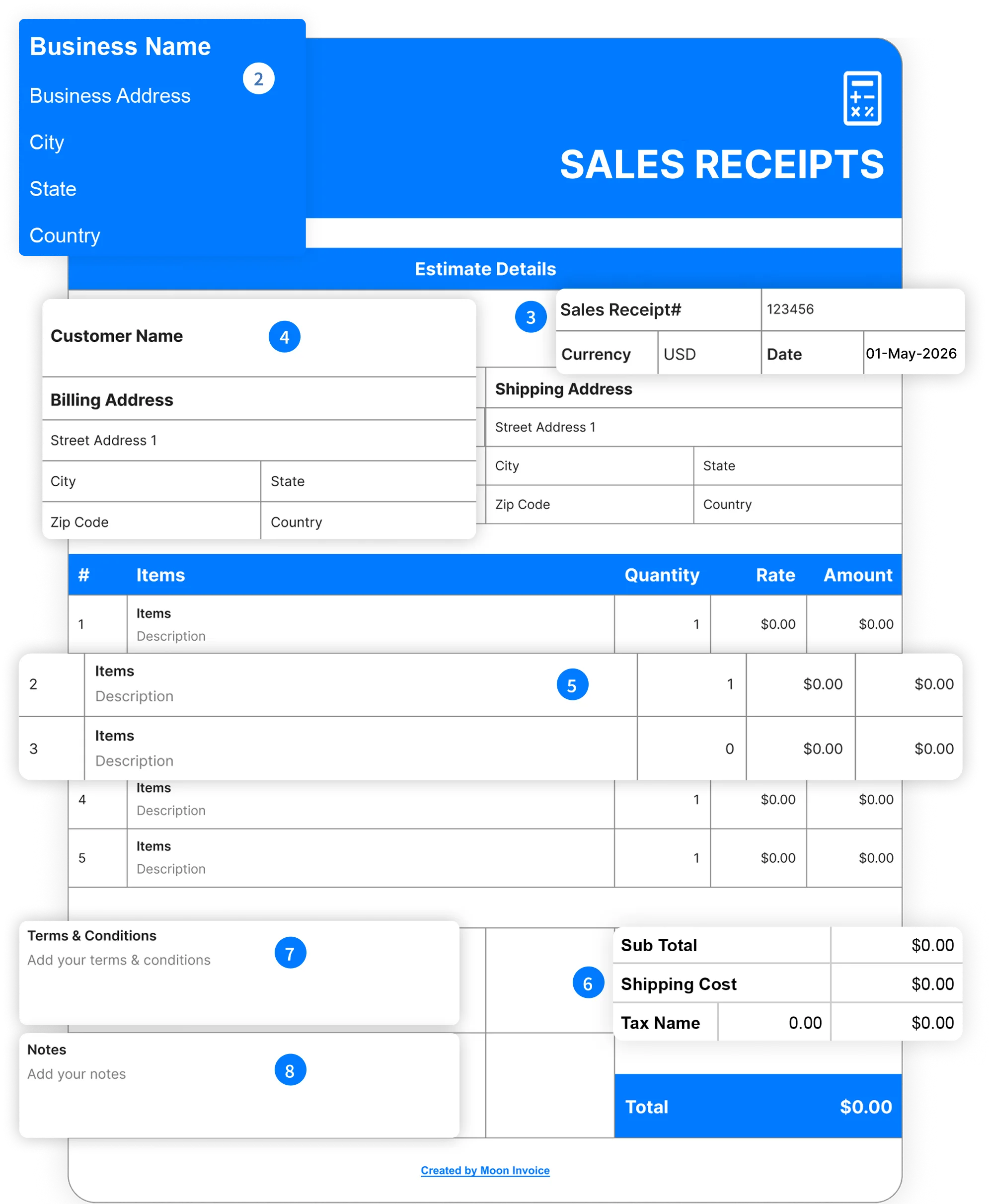
To create the sales receipt, you need to choose the appropriate sales template and then fill in the following details:
Yes, you can create receipts in Excel using built-in templates or in blank documents. Alternatively, Moon Invoice offers a free, customizable receipt template that you can easily download and create receipts in Excel.
Yes, sales receipt templates can be customized. Moon Invoice offers free, customizable receipt templates, allowing users to easily add a logo, color, and details. Thus, users can easily create the desired receipt in less time.
You can use invoicing or accounting software to create receipts. Other than that, you can also use an offline program like MS Excel. However, the best approach is to use invoicing software such as Moon Invoice, which offers 66+ customizable templates. Additionally, you can manage all receipts in one place and easily send them via WhatsApp or email.
For my business, one of the headaches was managing both stocks and expenses. Luckily, I switched to Moon Invoice and found the hassles of stock and expense management getting faded. Thanks to this amazing invoicing app.


Try Moon Invoice Today!
For my business, one of the headaches was managing both stocks and expenses. Luckily, I switched to Moon Invoice and found the hassles of stock and expense management getting faded. Thanks to this amazing invoicing app.
Try Moon Invoice Today!
For my business, one of the headaches was managing both stocks and expenses. Luckily, I switched to Moon Invoice and found the hassles of stock and expense management getting faded. Thanks to this amazing invoicing app.
We will send you an email with instructions to reset it.
For my business, one of the headaches was managing both stocks and expenses. Luckily, I switched to Moon Invoice and found the hassles of stock and expense management getting faded. Thanks to this amazing invoicing app.
Enter Password to link your account with Gmail
For my business, one of the headaches was managing both stocks and expenses. Luckily, I switched to Moon Invoice and found the hassles of stock and expense management getting faded. Thanks to this amazing invoicing app.
Try Moon Invoice Today!