

Our project time tracking software for small businesses is now part of AI. Let it help you make accurate time logs and time sheets as smoothly as time flows.



Our project time tracking program helps you monitor employees’ working hours by just clicking here and there.
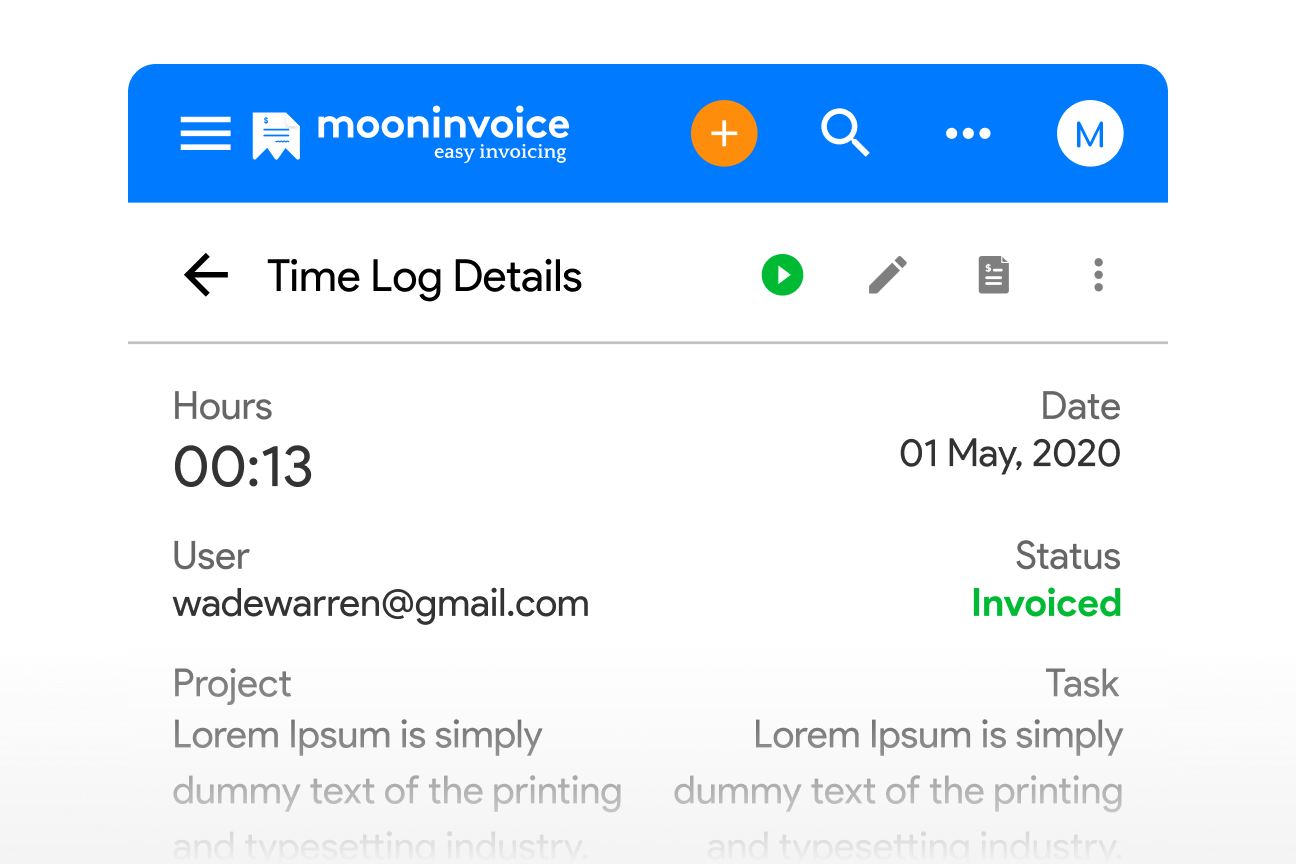
Nudge your team to hit the ‘play’ icon located inside the timer button on the right side of the screen.
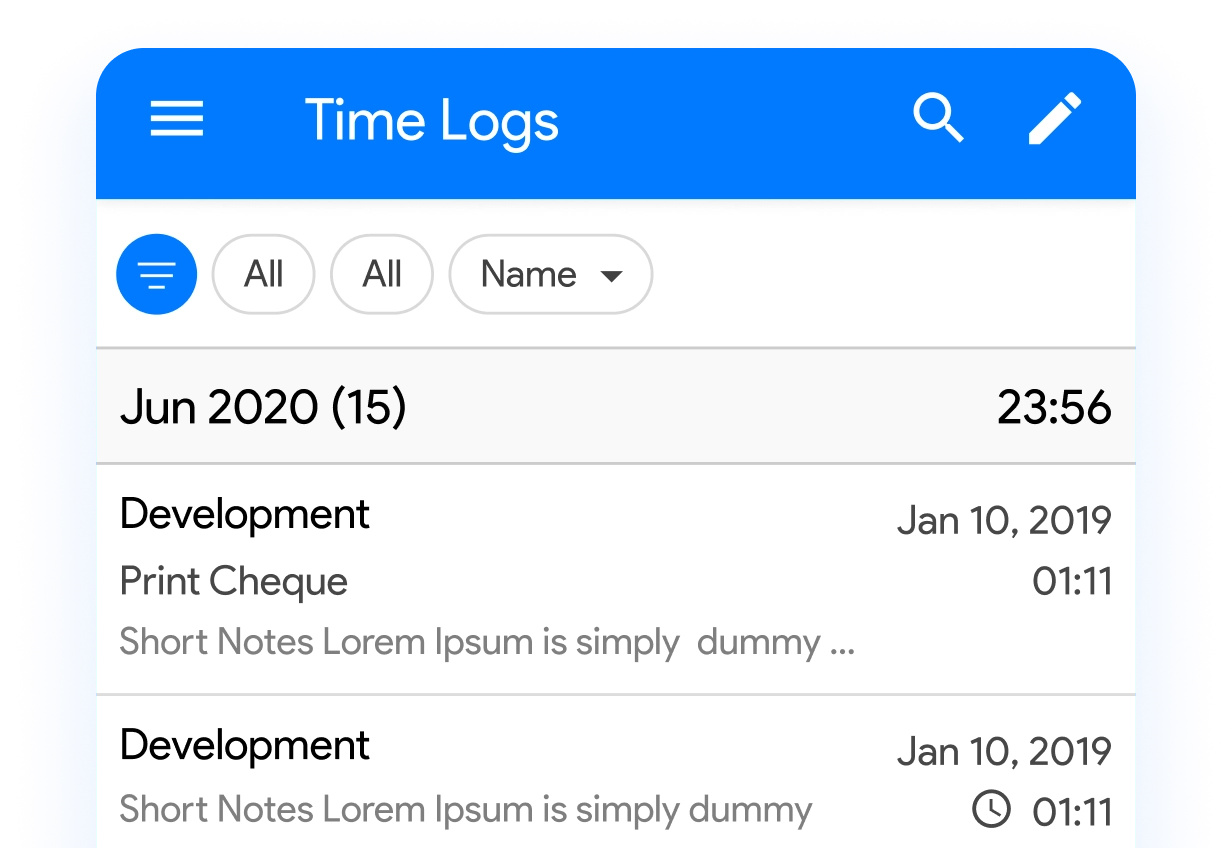
Let Moon Invoice continuously track the project, no matter whether the employee is at their desk or working remotely.
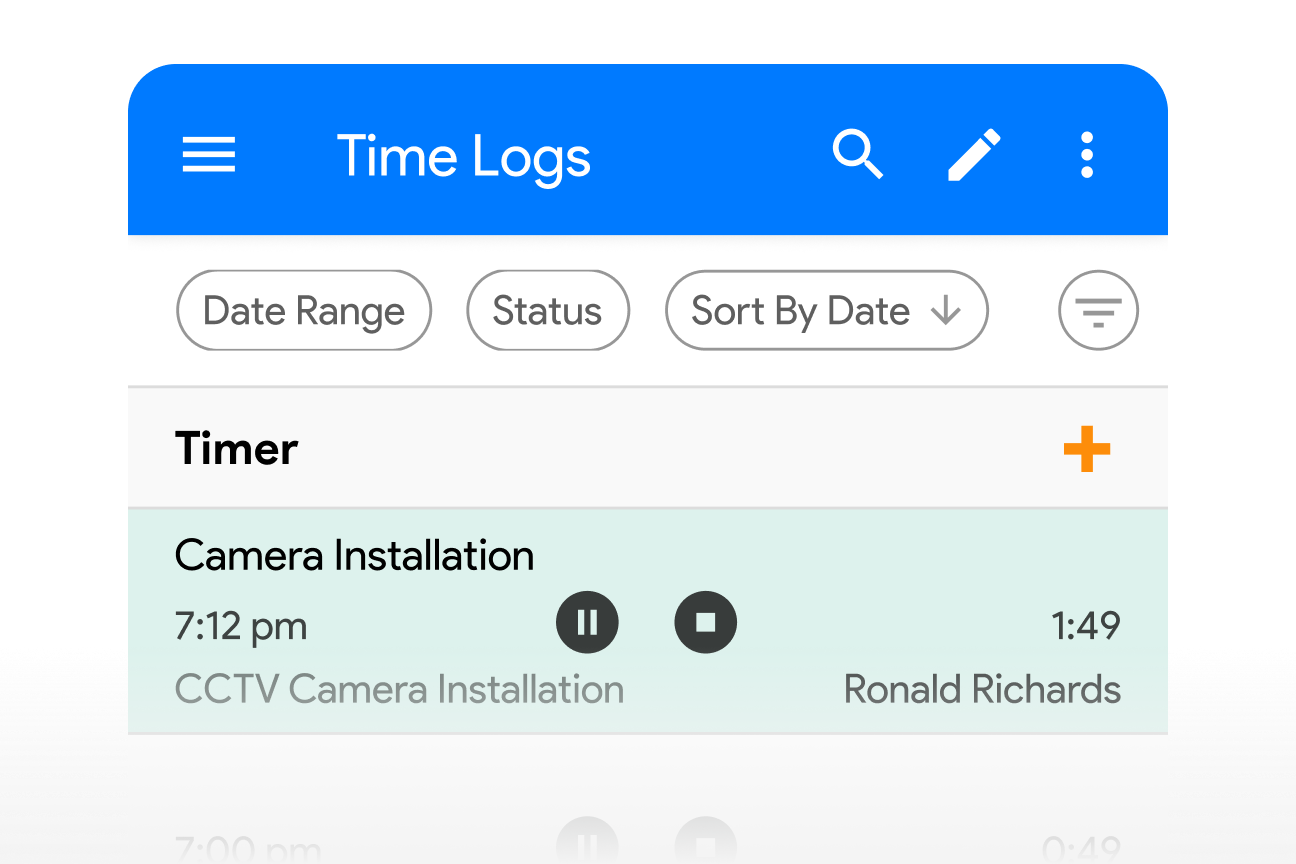
Remind your team to pause or stop the timer during breaks or once they are done for the day.
 A single time tracking software to manage all your small or large projects and increase your visibility.
Enable your on-site or off-site team to get real-time project updates and leave no communication gaps.
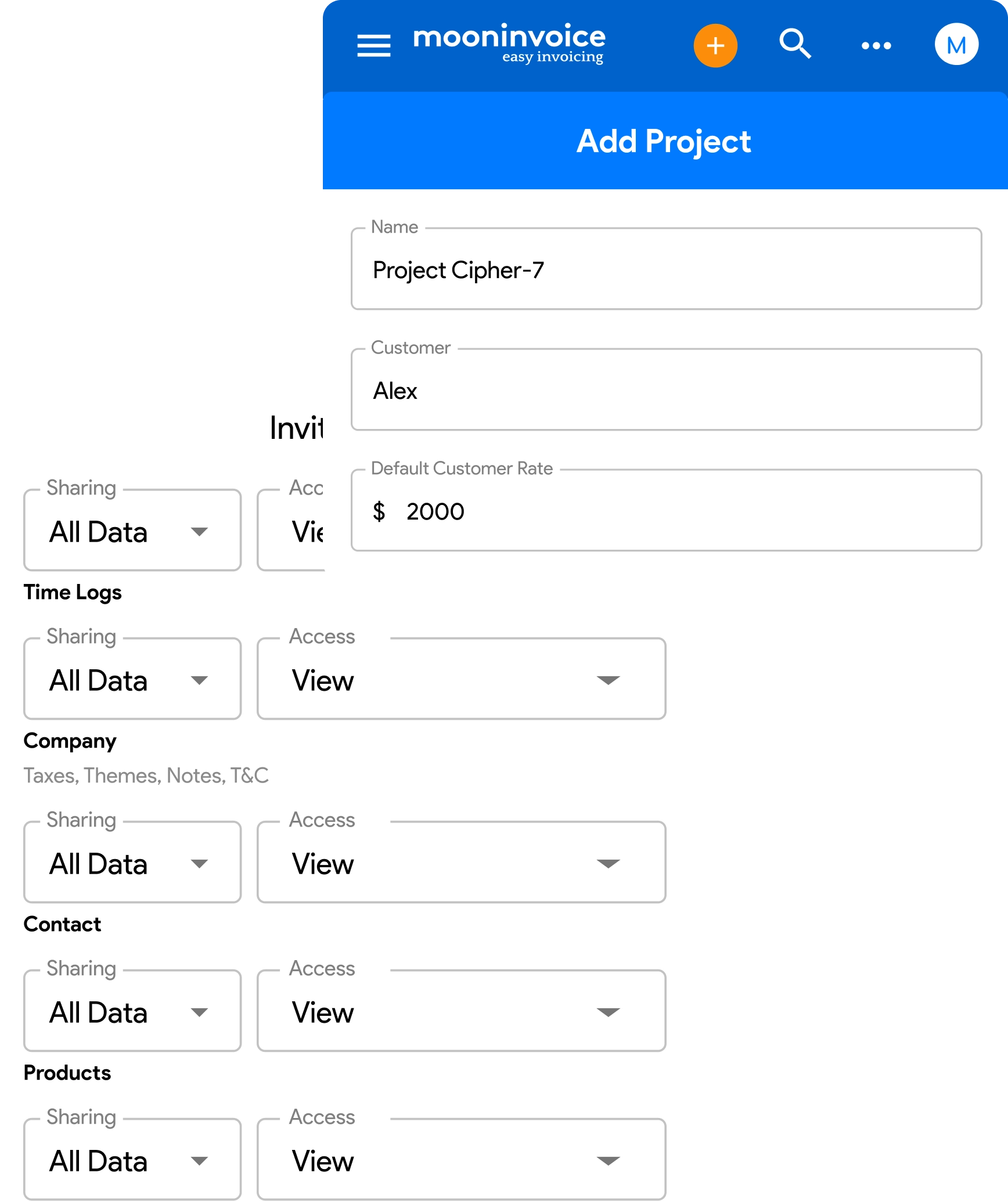
Automatically capture your employees’ working hours without relying on manual dependencies.
Gauge employees’ performance based on how quickly they finish assigned tasks while also managing their breaks.
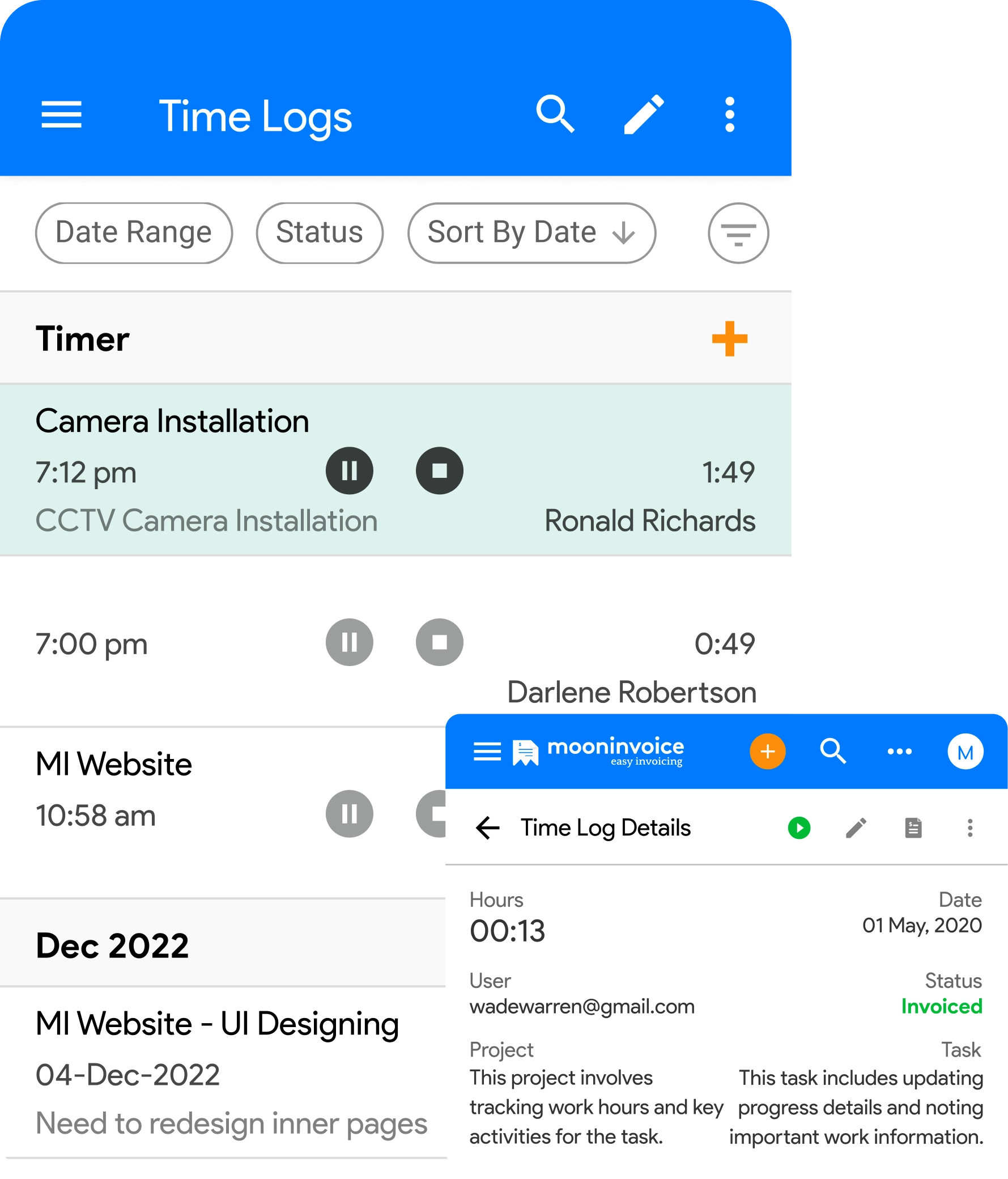
Generate high-quality time log reports without lifting a finger, instead of using a spreadsheet.
Store unlimited timesheets in the cloud storage so you don’t have to search manually when you need them.
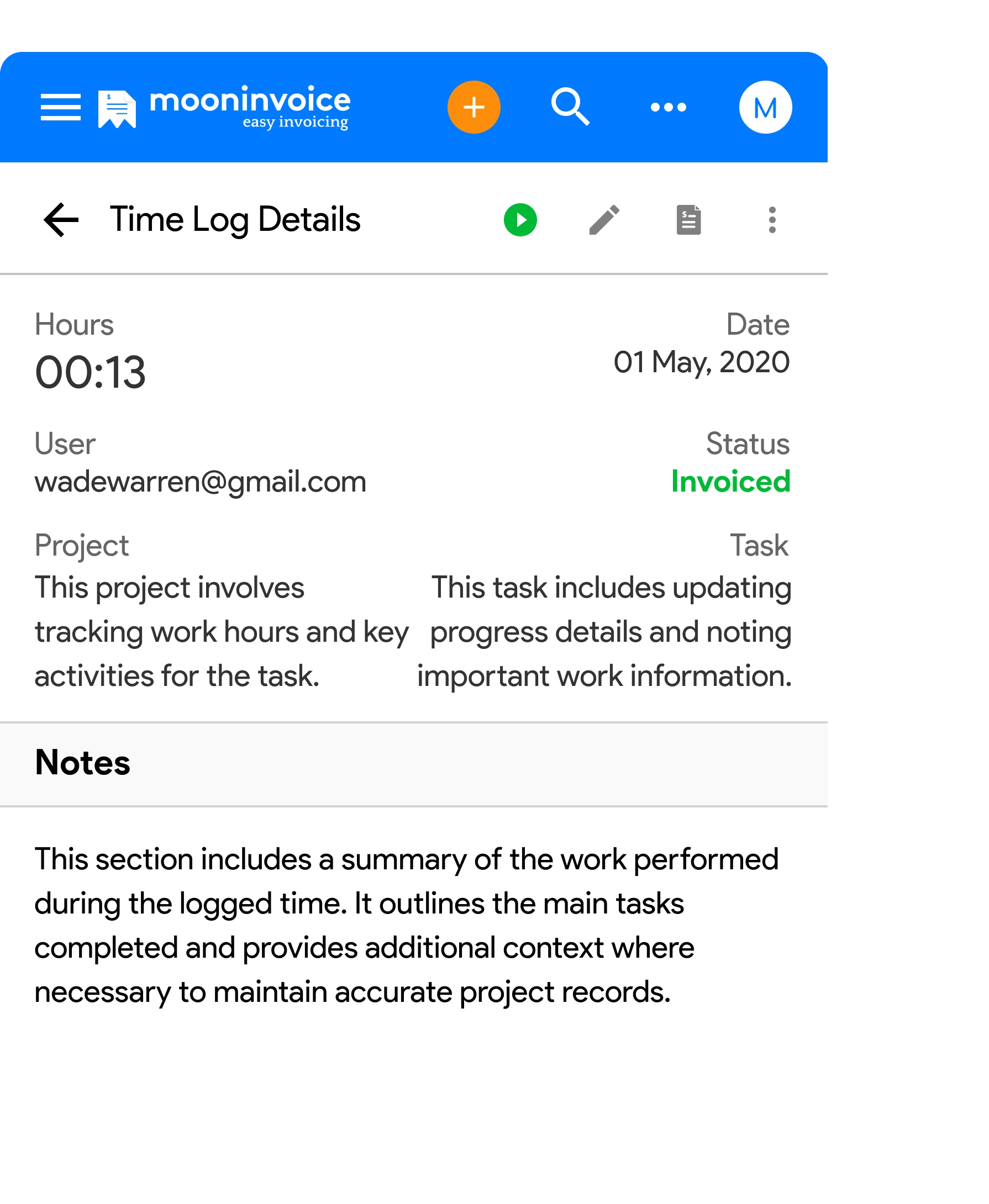
Forget the tedious way of recording hours manually and capture every minute of work with precision.
Track project hours automatically and later convert them into invoices or bills without any extra effort.
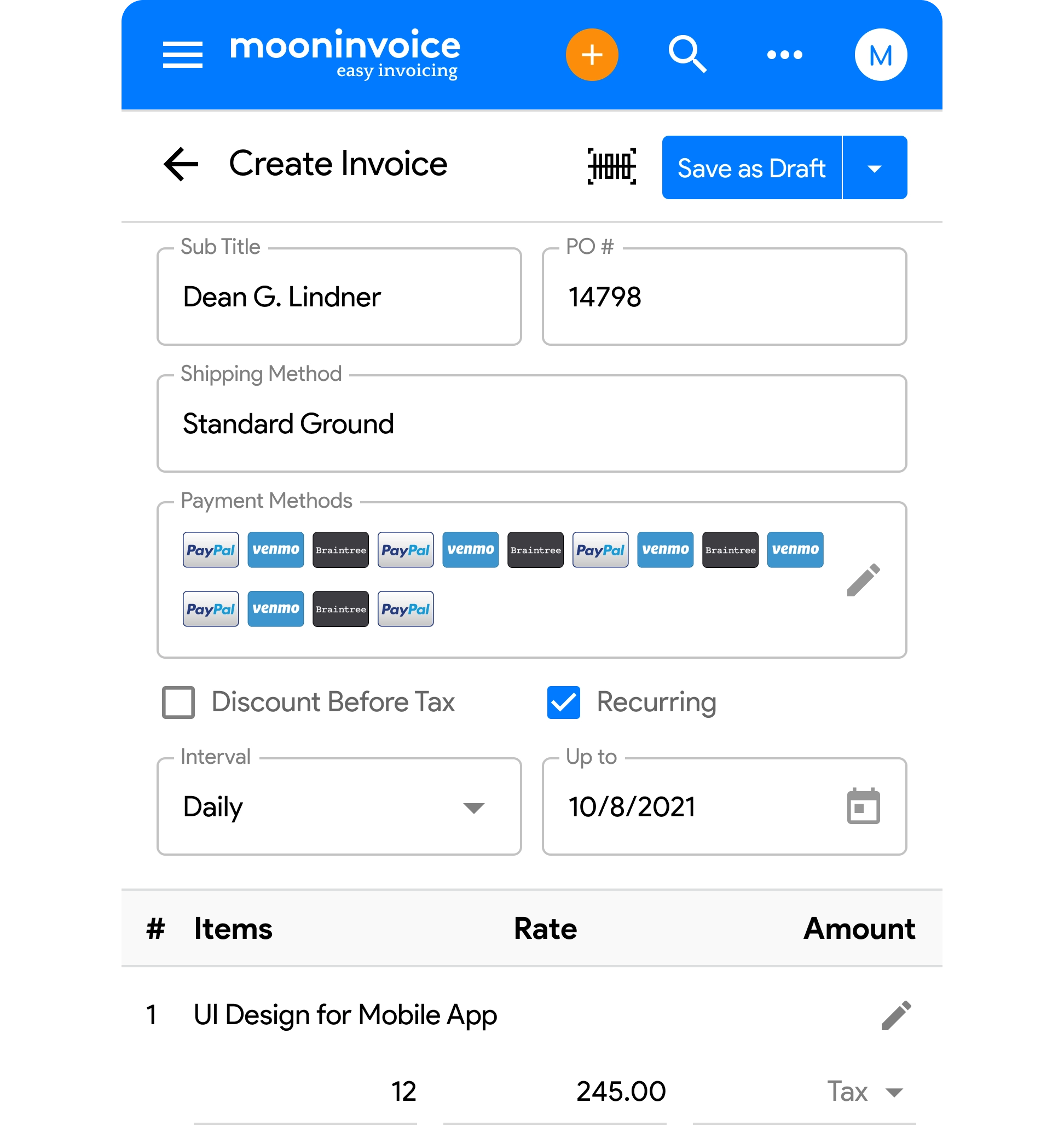

Create invoices using ready-to-use templates and receive payment immediately.

Make attention-grabbing estimates to receive quick approvals and seal the deal.

Generate purchase orders professionally and develop healthy vendor relations.

Keep an accurate track of incoming and outgoing business cash flow.

Attach a credit note to accommodate refunds without a new invoice.

Receive the invoice payment directly using online payment methods.

Centralize your accounting records and stay tax-ready with Moon Invoice.

A dedicated customer portal to keep your customers satisfied with real-time updates.

15+ business reports to get insights on customer demands, sales, and profits.

Hear directly from real users about how smooth and efficient our online time tracking system is




“It is a time tracking software for small businesses, so good that I really enjoy using it. Moon Invoice aids me in tracking project time, very accurately, I must say. That’s like having someone who takes care of project time tracking whenever you are in the middle of something.”

“I started using Moon Invoice a few months ago, and all I can say is it’s pretty much easier to track project hours in comparison to other complex software. Nowadays, I don’t invest more time in doing manual things.”

“I guess this is the easiest time tracking software for employees I have ever seen because the way you record hours and manage bills is so quick and mind-blowing. Had I found Moon Invoice before, I would be saving so much time tracking project hours.”

Let Moon Invoice take the wheel and alleviate the pain of tracking project hours manually.
If you have any further questions, please don't hesitate to reach out to our customer support team for assistance.
Moon Invoice is the best time tracking software when it comes to tracking your project hours and managing bills. Considering its feature-rich capabilities, it’s a perfect tracking tool for contractors or businesses managing on-field operations, especially when dealing with large projects.
It’s quite simple. You can head to the built-in ‘Time Log’ module, located in the main menu on your left side, and see the available records of how many hours your employees worked. Later, you can convert them into invoices, helping you bill your clients accurately for every minute worked.
Yes, if you have added him or her as a team member to manage a specific project task on Moon Invoice. They can use a timer to log their hours while working on tasks and also check the total worked time using the time tracking software, Moon Invoice.
You can simply tap the start icon located in the timer button, and it will automatically record your work hours until you hit the pause or stop button. This way, you can easily figure out who worked for how many hours to complete the assigned task.
Yes, Moon Invoice, a time tracking app, is available for both Android as well as iOS compatible mobile phones. This means you no longer need to carry your laptop or tablet everywhere and can still log project hours just with a few clicks.
Yes, you can generate accurate timesheets so easily that you don’t have to spend time on extra paperwork or doing manual calculations. The best part is that you can also create and store unlimited timesheets in one place, gaining quick accessibility to your project data.
If you wish to invite your team members, then go to the ‘Team’ module from the main menu in the Moon Invoice. Later, click on the “+” icon to add a new username and email ID. Select the modules for which you want to grant access, and lastly, hit the send button to invite them.
For my business, one of the headaches was managing both stocks and expenses. Luckily, I switched to Moon Invoice and found the hassles of stock and expense management getting faded. Thanks to this amazing invoicing app.


Try Moon Invoice Today!
For my business, one of the headaches was managing both stocks and expenses. Luckily, I switched to Moon Invoice and found the hassles of stock and expense management getting faded. Thanks to this amazing invoicing app.
Try Moon Invoice Today!
For my business, one of the headaches was managing both stocks and expenses. Luckily, I switched to Moon Invoice and found the hassles of stock and expense management getting faded. Thanks to this amazing invoicing app.
We will send you an email with instructions to reset it.
For my business, one of the headaches was managing both stocks and expenses. Luckily, I switched to Moon Invoice and found the hassles of stock and expense management getting faded. Thanks to this amazing invoicing app.
Enter Password to link your account with Gmail
For my business, one of the headaches was managing both stocks and expenses. Luckily, I switched to Moon Invoice and found the hassles of stock and expense management getting faded. Thanks to this amazing invoicing app.
Try Moon Invoice Today!