

Struggling with medical billing? Simplify your invoicing with Moon Invoice, which offers 66+ free and customizable invoice templates. Easily edit and fill in your details to ready your professional-looking invoice in a minute. Explore a wide range of templates in Word, Excel, Google Sheets, Google Docs, and PDF formats. Choose your preferred medical invoice template to make an impressive invoice for your clients or patients.
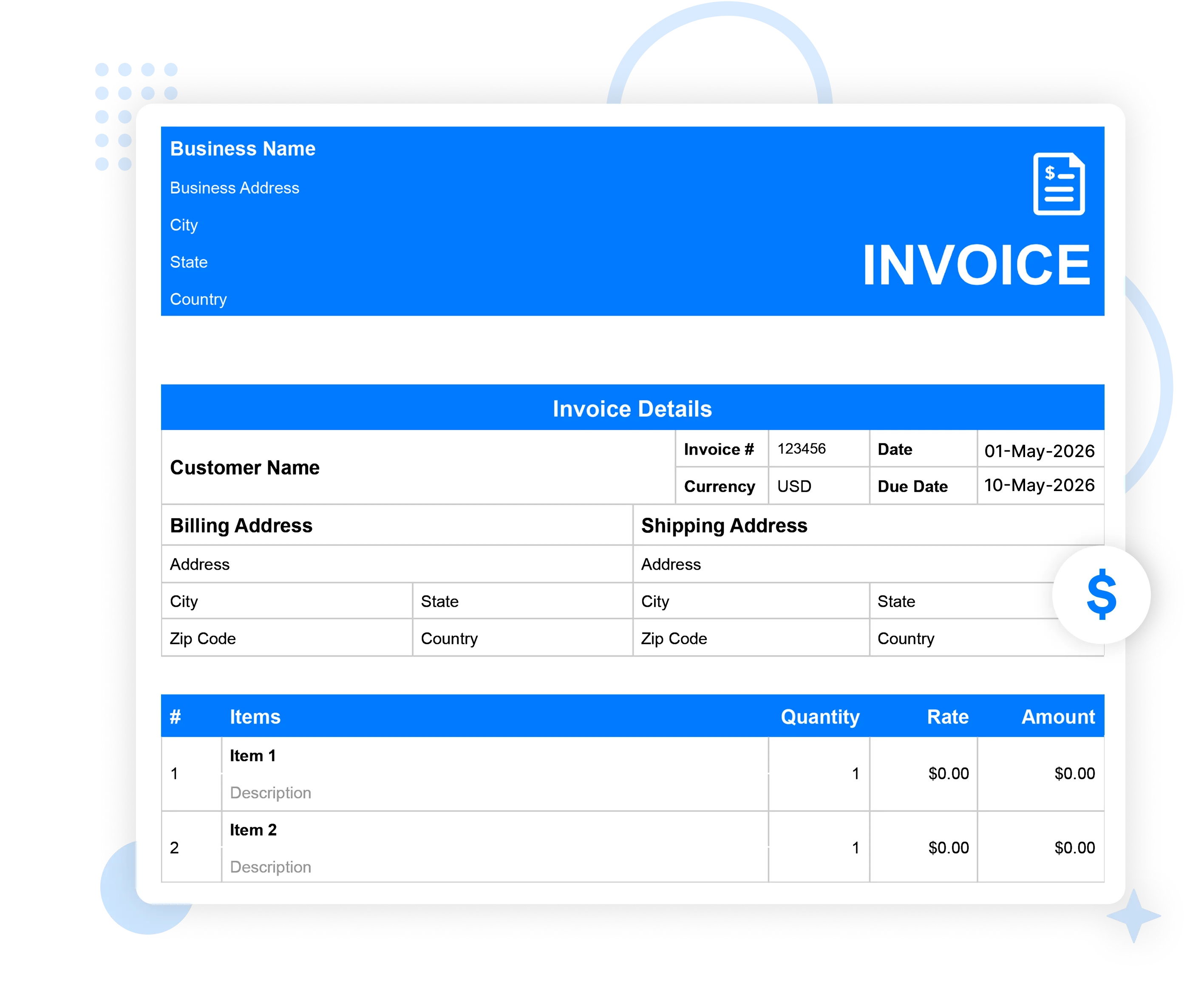
Get a wide variety of templates that cater to the needs of different medical professions.
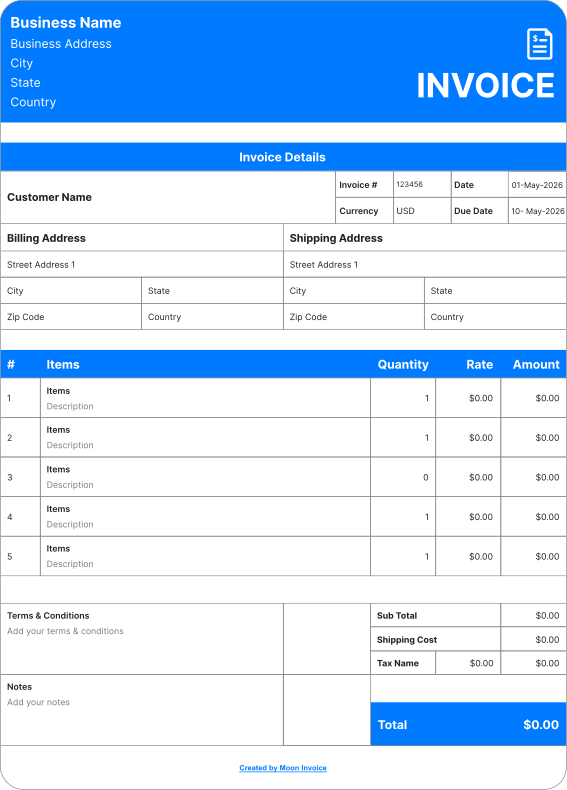
Simplify your medical billing with a free medical invoice template designed for speed and clarity. Whether you are a doctor or another healthcare professional, easily add patient details and generate a professional invoice.
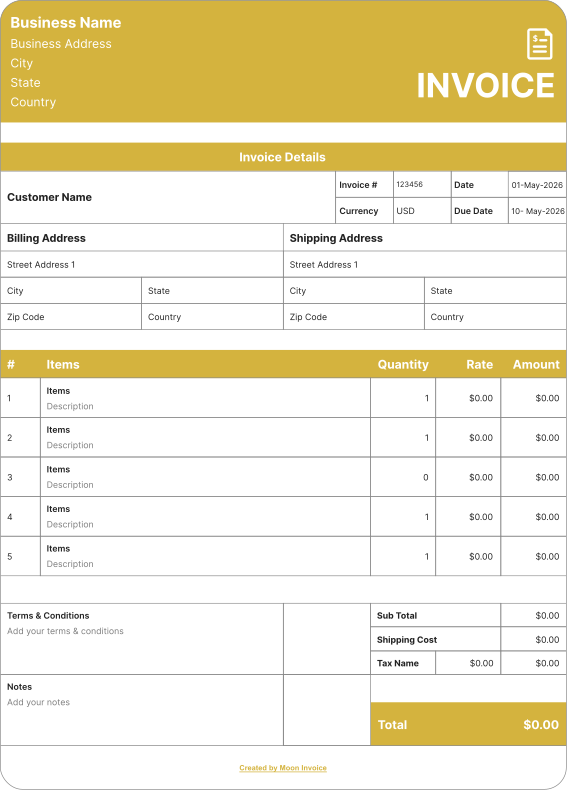
Use our free therapy invoice templates designed for therapists, counselors, and mental health practitioners. Add client details, session date, time, and rate. Download ready-made templates to simplify your billing.
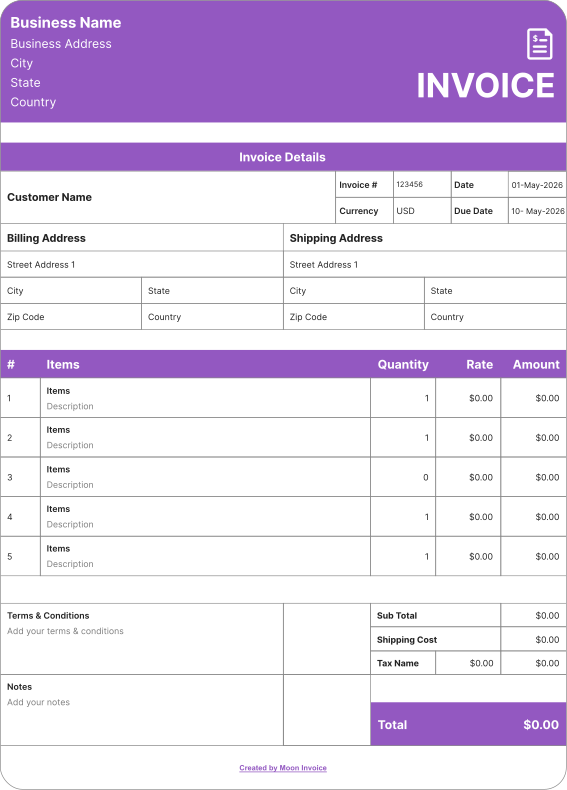
Streamline your billing with our customizable physician invoice template. Include your patient details, physician services, prices, and other details. Create your professional invoices and easily manage payments for every patient visit.
Creating medical invoices is easy with Moon Invoice. This invoicing software lets you create unlimited invoices using ready-to-use templates. Accelerate your billing process while ensuring accuracy. Follow these steps to create a medical invoice example:
Once your invoice is ready, you can use it as a sample medical bill to review all billing details. Share the document with your patient or client via WhatsApp or email. Alternatively, you can send a hard copy of the invoice by printing it.
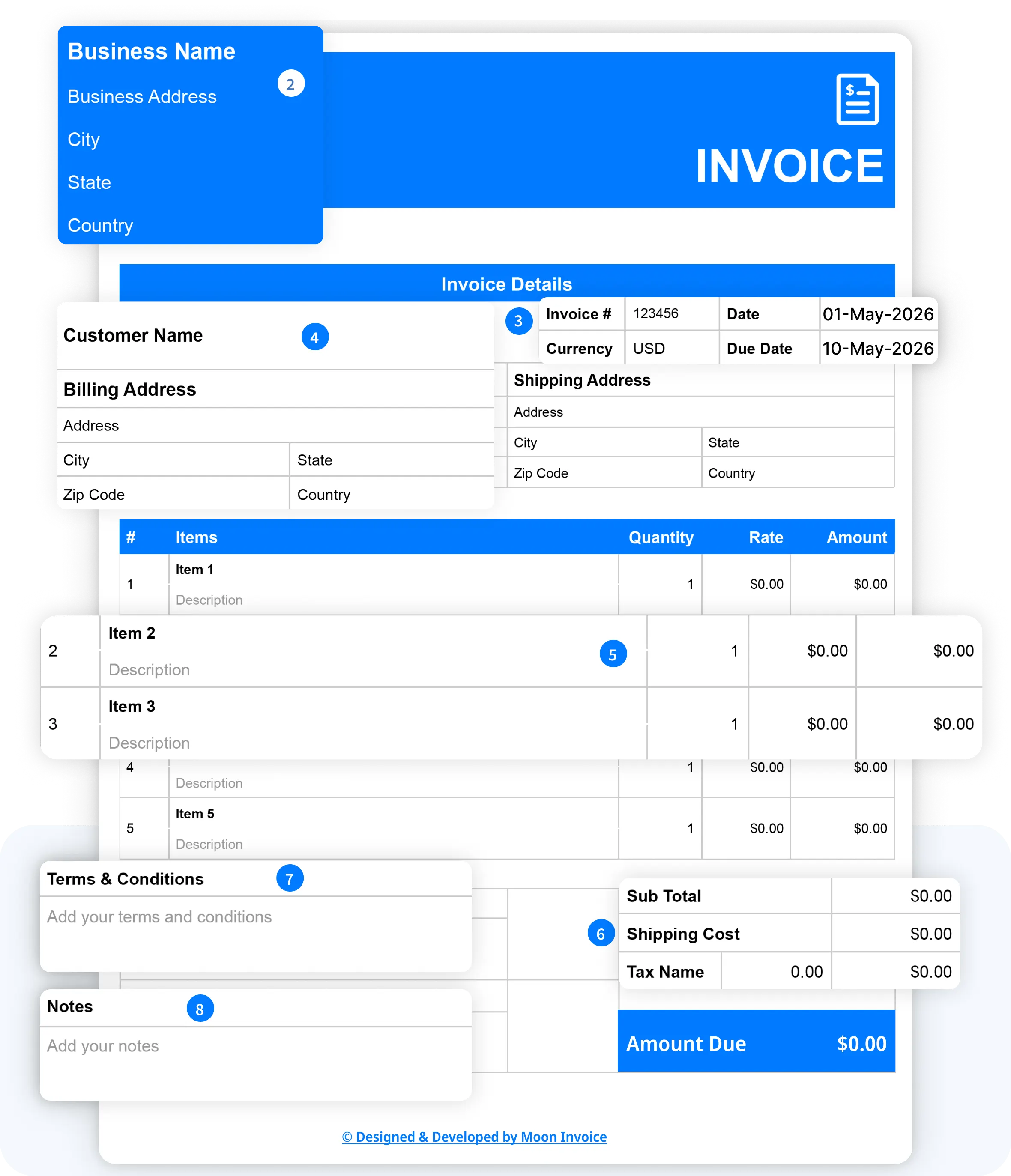
A medical invoice template is mainly useful for creating a professional invoice. Here are the cases when you must use it.
To maintain organized billing records
A professional medical invoice template helps maintain billing records. With its clean layout and design, it helps medical professionals maintain consistency across all billing. The clear recording of details within a document simplifies invoice tracking.
To streamline overall billing
Medical professionals can easily streamline their billing with invoice templates. They save time, reduce manual work, and boost the billing process. With clear details and an impressive layout, professionals can ensure on-time payment.
To support insurance claims
A medical bill template is also useful when patients need to file an insurance claim. It helps create detailed and clean invoices. This helps hospitals and other medical practitioners simplify billing insurance companies or third-party payers.
While following these tips, you can make your billing process more efficient.
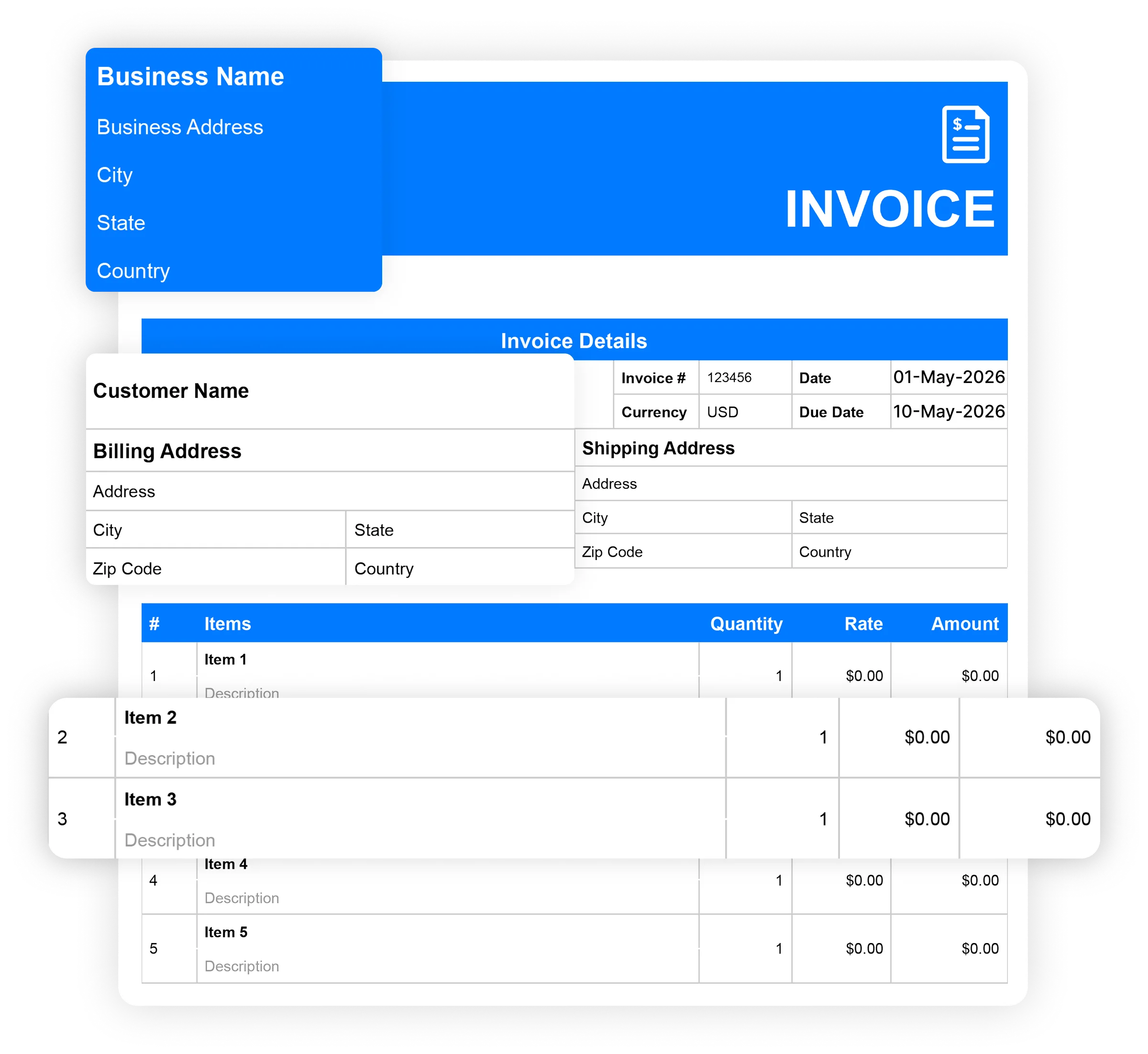
The best time to send a medical invoice is immediately after the medical service or treatment is completed. However, the timing may depend on the hospital's billing policy and the type of medical service.
For ongoing treatment, recurring invoicing is more suitable. In this case, you can send invoices weekly, biweekly, monthly, or as per agreed-upon terms. You can send medical invoices in advance to collect upfront payments or deposits before treatment. This may apply to surgeries or certain planned procedures.
Sending invoices promptly can encourage timely payment and maintain healthy cash flow. It helps hospitals and healthcare providers maintain a smooth cash flow. Also, when billing insurance or third-party payers, ensure the invoice includes all required information before submission. This reduces unnecessary delays in the billing process.
Streamline your workflow and get paid faster with pre-built industry-specific invoices. Download your desired invoice template for free.
Are you confused about whether to use a free invoice template or medical invoicing software? Here are some key differences as per the functions mentioned.
| Set of functions | Free Medical invoice templates |

|
|---|---|---|
| Free Medical invoice templates |

|
|
| Unlimited invoicing |

|
|
| Automatic payment alerts |
|
|
| Automatic invoice tracking |
|
|
| Portal for viewing invoices |
|
|
| Send invoice via whatsApp |
|
|
| Time-tracking |
|
|
| Download Now | Sign Up |
If you have any further questions, please don't hesitate to reach out to our customer support team for assistance.
A medical invoice template is a ready-made document with predefined fields. It allows users to fill in the details and get a professional invoice ready in minutes. In this way, professionals accelerate their billing process and save time.
Yes, it is possible to create and send medical invoices digitally. Invoicing software such as Moon Invoice offers 66+ customizable invoice templates in Word, Excel, Google Docs, Google Sheets, and PDF. These templates help users create digital invoices. Also, the platform allows users to send invoices via WhatsApp or email.
Yes, Moon Invoice offers a simple interface and easy navigation with a straightforward invoicing solution. The platform offers easy, customizable templates, recurring invoicing, payment reminders, and multiple payment options. All these features make it well-suited for small healthcare practitioners.
Yes, an editable medical invoice template lets you customize it for various healthcare services, such as consultations, therapy sessions, and diagnostic tests. You can easily add service descriptions, charges, taxes, payment terms, and other relevant information. Additionally, for specialized billing such as dental, you can also use our free dental invoice template.
You can start a medical business with proper planning, marketing analysis, and completing the legal workflow. Here are the steps you must follow:
For my business, one of the headaches was managing both stocks and expenses. Luckily, I switched to Moon Invoice and found the hassles of stock and expense management getting faded. Thanks to this amazing invoicing app.


Try Moon Invoice Today!
For my business, one of the headaches was managing both stocks and expenses. Luckily, I switched to Moon Invoice and found the hassles of stock and expense management getting faded. Thanks to this amazing invoicing app.
Try Moon Invoice Today!
For my business, one of the headaches was managing both stocks and expenses. Luckily, I switched to Moon Invoice and found the hassles of stock and expense management getting faded. Thanks to this amazing invoicing app.
We will send you an email with instructions to reset it.
For my business, one of the headaches was managing both stocks and expenses. Luckily, I switched to Moon Invoice and found the hassles of stock and expense management getting faded. Thanks to this amazing invoicing app.
Enter Password to link your account with Gmail
For my business, one of the headaches was managing both stocks and expenses. Luckily, I switched to Moon Invoice and found the hassles of stock and expense management getting faded. Thanks to this amazing invoicing app.
Try Moon Invoice Today!
 Microsoft Excel
 Microsoft Word
 Google Doc
 Google Sheets
 Adobe PDF