

Do you wish to create and send invoices in Microsoft Excel? Moon Invoice provides professional invoicing templates for Excel, allowing you to create customized invoices in just minutes. No matter what type of business you handle. Choose your free Excel invoice template, customize it, and send it across. Get paid faster by using our small business invoice templates for FREE!
Professionals can easily utilize an Excel invoice template download to make invoicing super simple & cost-effective. Here are some of the most common invoice templates for Excel that you can download & use.
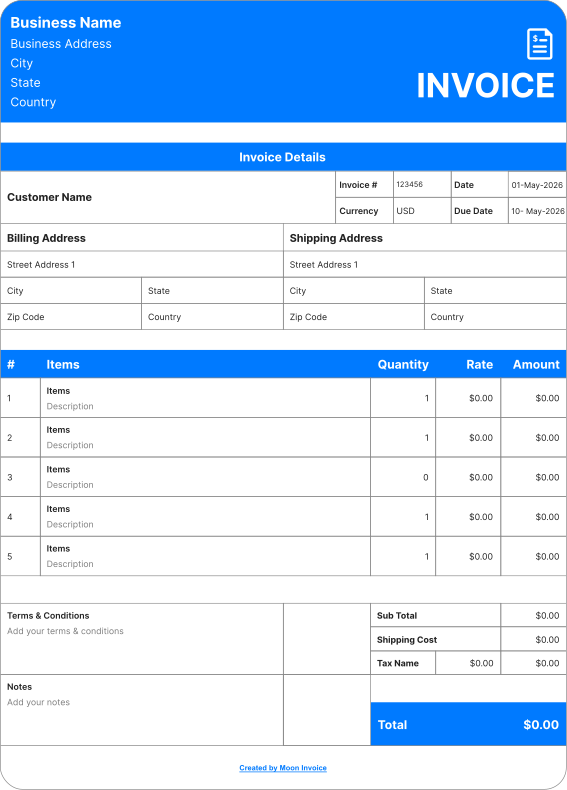
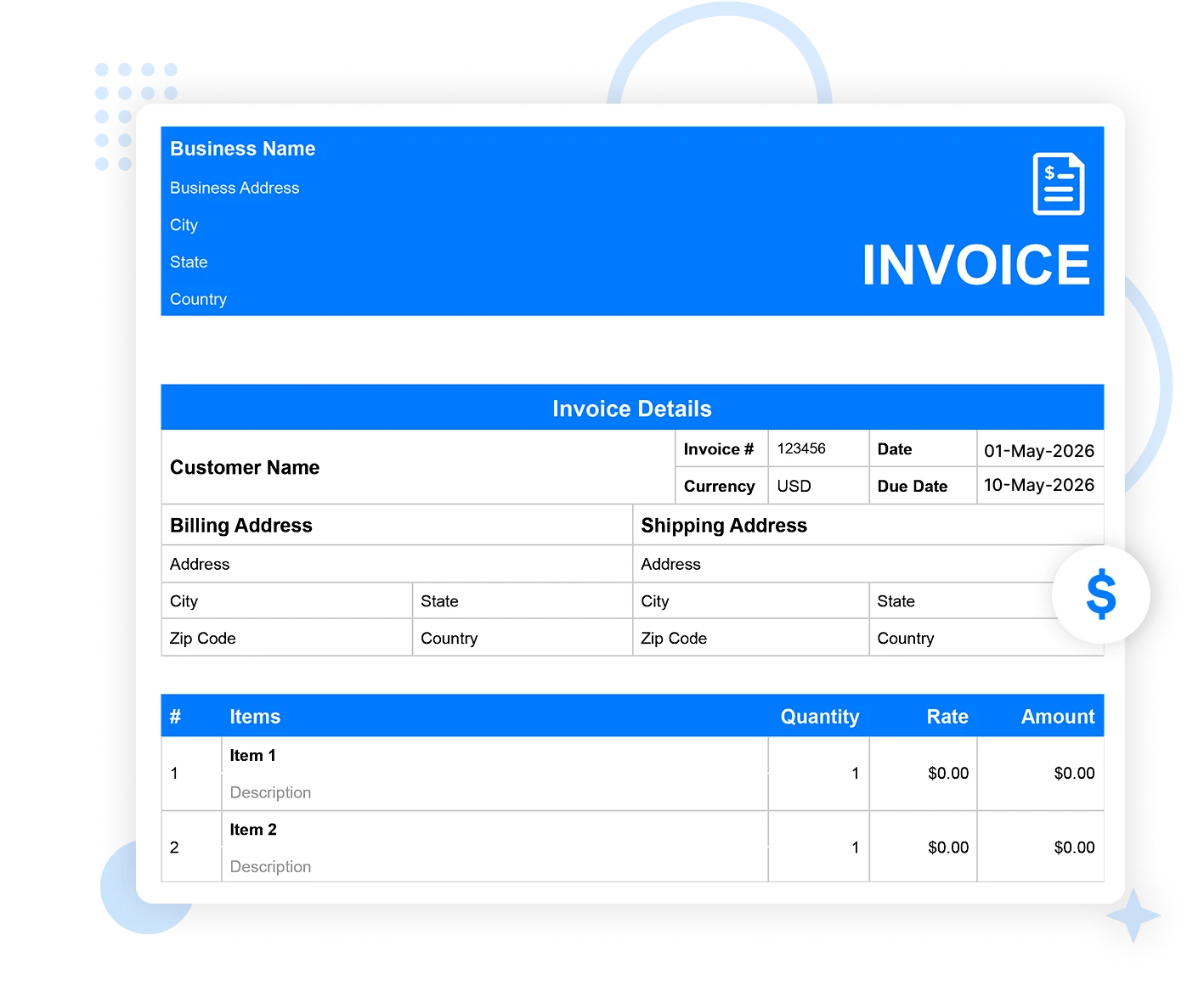
It is one of the simplest yet standard invoice template forms in Excel format, which helps with filling in line items, invoice details, total amount & other information.
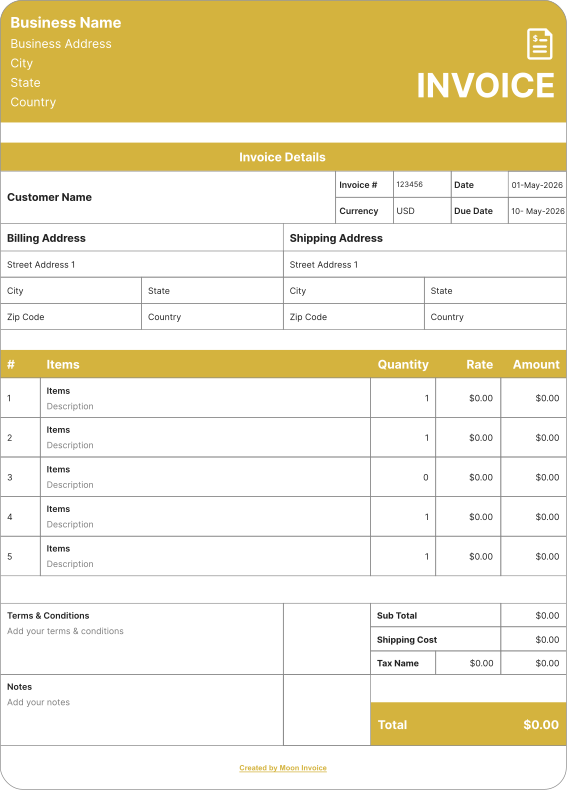
We offer a customizable Microsoft Excel invoice template that can be easily printed after downloading. Quickly convert into a hard copy with customized print settings.
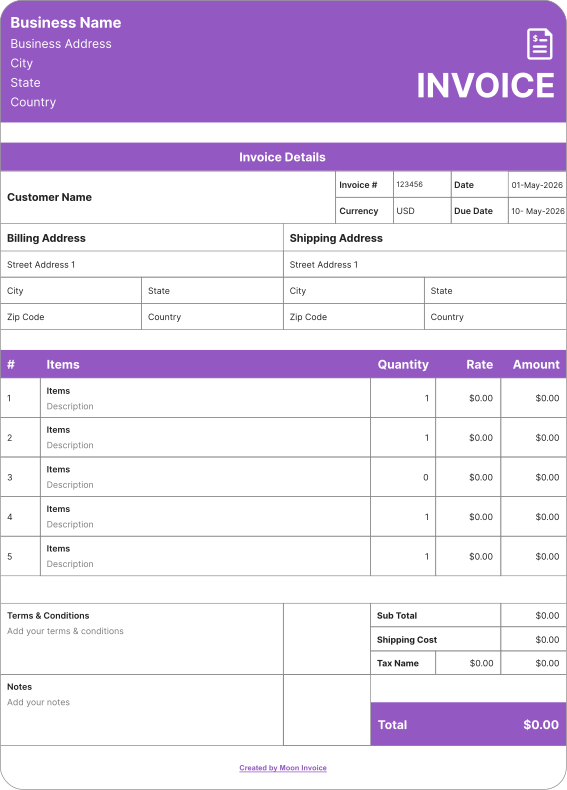
A free invoice template in Excel with a standard version refers to the standard invoicing layout that includes basic invoice and sales details, along with a payment due date.
Moon Invoice, as the best invoicing software, caters to the invoicing needs of all business types. It offers a 360-degree billing solution for every profession. Explore more invoice templates of multiple formats:

Create your professional invoice in Word with our Word invoice templates. Easy to download & helps to create a word invoice in a minute while filling out the pre-defined fields.
Try It Now
Easily create an invoice in PDF format with our PDF invoice templates. Easily customizable templates that help to create the desired invoice in less time.
Try It Now
Looking for a free Invoice template in Google Docs? Download our personalized invoice templates, committing professionalism and accuracy on every deal!
Try It Now
Ever thought that invoicing in Google Sheets would be so easy? Utilize Moon Invoice to prepare your invoice quickly using the Google Sheets invoice template
Try It NowThe Excel invoice template is suitable for creating a professional invoice quickly. However, the question is why a professional Excel invoice is so valuable. Several factors prove the use of professional invoices in Excel. These factors are as follows
Professionals from any business background can adopt professional Excel invoices. This enhances their on-time payment and keeps billing smooth.
Professional invoices are easy for customers to understand. Hence, when a customer has clear details, it will directly impact billing & boost cash flow.
Professional-looking invoices can reduce disputes because they are accurate and reliable. This keeps the process running smoothly while maintaining healthy business-client relationships.
Business owners can easily streamline their record-keeping through a professional invoice. Thanks to clear & systematic information presentations that make the process handy.
Professional-looking invoices are key contributors to escalating professionalism. It presents a professional image of the business and enhances the brand's reputation.
The taxation operation gets easier when business owners send professional invoices. These act as supporting documents during the tax filing process.
Moon Invoice is the best platform to create invoices. It offers a free, downloadable invoice template in Excel, complete with ready-made custom fields to fill in the details and create an invoice in under a minute. Follow the steps below to complete this task:
Once you have created your invoice, the next step is to share it via WhatsApp or email. Alternatively, you can also send a hard copy of your invoice by printing it out. Our invoice generator provides a convenient way to print your invoice.
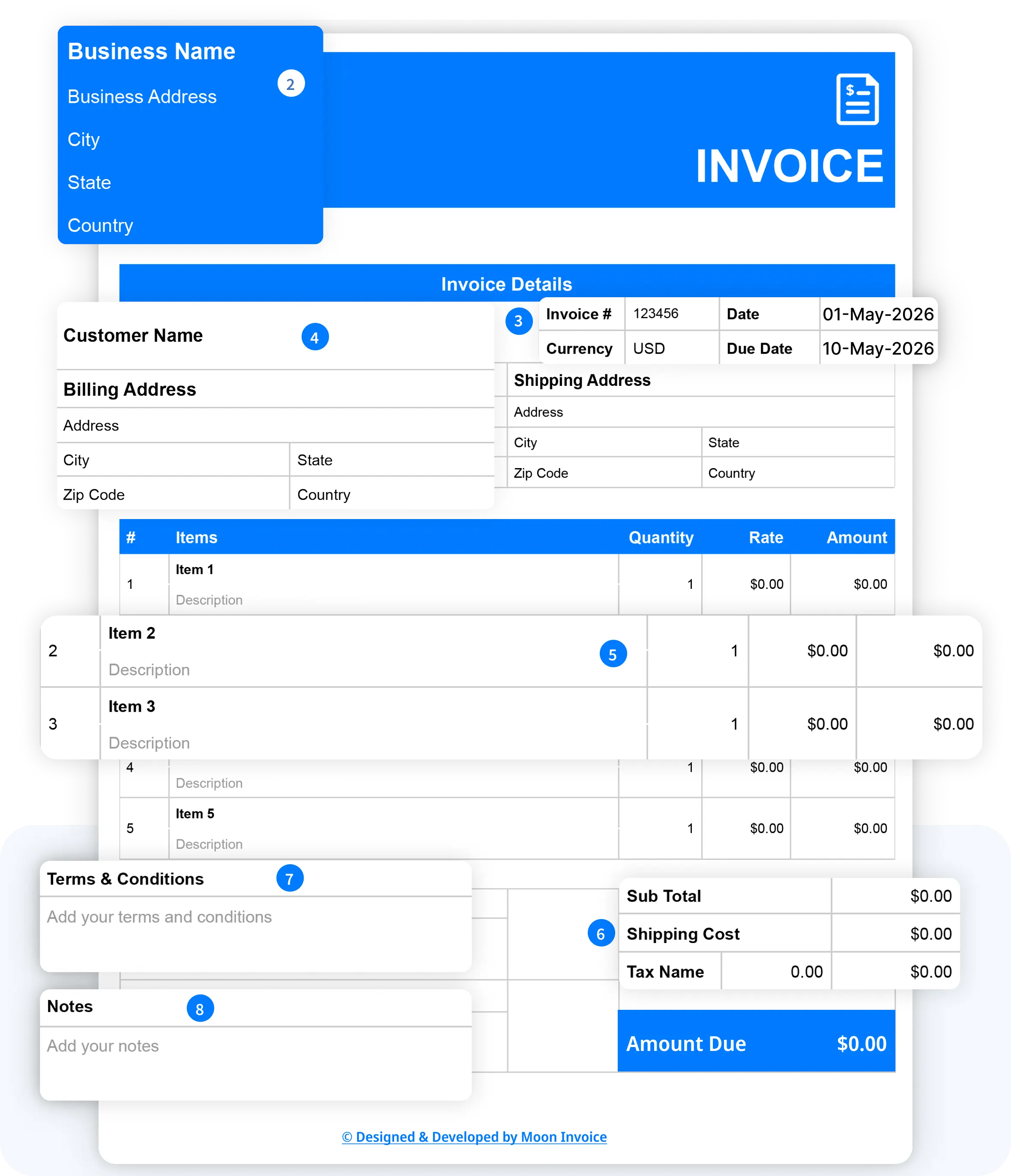
A typical Excel invoice made from an Excel invoice template can vary from business to business. However, specific information is necessary to include in an Excel invoice to keep your invoicing process efficient & result-oriented. The invoice should cover the following details
An invoice should include details such as the invoice number, date of issue, and due date. These details are crucial, especially the invoice number, which helps to track a specific invoice.
The client details section includes the details of the client to whom the invoice is being issued. It contains the client's name, address, and contact details.
The business details section covers your business information, including your business name, address, and contact details. The details must be clear & correct.
This section provides comprehensive details about the offered service or product. Present the data clearly and concisely, accompanied by a relevant breakdown of unit costs.
Include all the terms and conditions when issuing an Excel invoice using the Excel invoice template. This includes the due date, payment methods, and other terms.
An Excel invoice should always cover the authorized signature of the business owner or another authorized person. This enhances the validity of an invoice and makes it authorized.
Streamline your workflow and get paid faster with pre-built industry-specific invoices. Download your desired invoice template for free.
Are you confused about choosing our easy invoicing software and free online invoice templates? Here is a set of functions to help you make a quick decision.
| Set of Functions | Free Excel invoice templates |

|
|---|---|---|
| Free Excel invoice template |

|
|
| Unlimited invoicing |

|
|
| Automatic payment alerts |
|
|
| Automatic invoice tracking |
|
|
| Portal for viewing invoices |
|
|
| Send invoice via WhatsApp |
|
|
| Time-tracking |
|
|
| Download Now | Sign Up |
If you have any further questions, please don't hesitate to reach out to our customer support team for assistance.
Moon Invoice offers over 66 customized invoice templates in Excel format that are easy to download. A user can download the Excel invoice template in a few clicks.
Moon Invoice is the best invoice generator because it offers customized invoice templates for small businesses and big enterprises. Users can easily create an invoice in Excel, Word, Sheets, Docs, or PDF. The invoice templates support the auto-calculation concept that calculates the total amount automatically. All the templates are easy to download and printer-friendly.
When you think over how to create an invoice in Excel professionally, you need to utilize an Excel invoice template. Moon Invoice is the right invoicing software that offers such templates. Once you download the template, fill in the details below in the customizable fields.
Yes, Excel has an in-built invoice template that can be easily customized to meet your specific needs. Even users can find a variety of invoice samples, including commercial, sales, and service samples, among others. However, these are customized but still prone to errors, with limited scalability compared to the Excel invoice template available in invoicing software like Moon Invoice.
Yes, it is easy to convert an Excel invoice template to a PDF format by following these steps:
For my business, one of the headaches was managing both stocks and expenses. Luckily, I switched to Moon Invoice and found the hassles of stock and expense management getting faded. Thanks to this amazing invoicing app.


Try Moon Invoice Today!
For my business, one of the headaches was managing both stocks and expenses. Luckily, I switched to Moon Invoice and found the hassles of stock and expense management getting faded. Thanks to this amazing invoicing app.
Try Moon Invoice Today!
For my business, one of the headaches was managing both stocks and expenses. Luckily, I switched to Moon Invoice and found the hassles of stock and expense management getting faded. Thanks to this amazing invoicing app.
We will send you an email with instructions to reset it.
For my business, one of the headaches was managing both stocks and expenses. Luckily, I switched to Moon Invoice and found the hassles of stock and expense management getting faded. Thanks to this amazing invoicing app.
Enter Password to link your account with Gmail
For my business, one of the headaches was managing both stocks and expenses. Luckily, I switched to Moon Invoice and found the hassles of stock and expense management getting faded. Thanks to this amazing invoicing app.
Try Moon Invoice Today!
 Microsoft Excel
 Microsoft Word
 Google Doc
 Google Sheets
 Adobe PDF